

- Top Page >
- Basic Operations >
- Watch connected device
Watch connected device
Switching Input Source
Switch the input source to a device (e.g. BD player, digital still camera, camcorder) that is connected to the TV using an HDMI cable, component cable, or video cable.
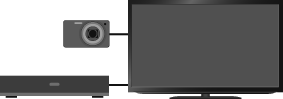
Steps
After making a connection, turn on the connected device.
Press the
 button repeatedly to select the connected device.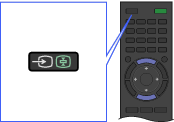
Start playback on the connected device.
