

- Top Page >
- Basic Operations >
- Useful OPTIONS button
Useful OPTIONS button
Quickly Accessing Functions by the OPTIONS Button
By pressing the OPTIONS button, the Options Menu appears and provides quick access to the functions that are available for the currently displayed screen. (The items in the Options Menu differ depending on the selected screen.) This provides faster access to functions than from the Home Menu.
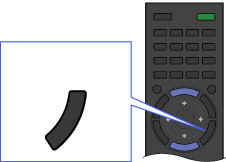
OPTIONS
Steps
Press the OPTIONS button to display the Options Menu.
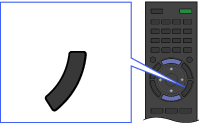 OPTIONS
Select an item using the
 /
/ buttons, then press the
  button.
Select an item or value using the
// /
/ buttons, then press the button.
To return to the previous screen during operation, press the RETURN button.
