

- Top Page >
- Using “BRAVIA” Sync Devices >
- Displaying the HDMI Device List
Displaying the HDMI Device List
Overview
You can display a list of connected devices compatible with “Control for HDMI.”
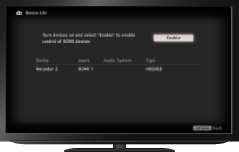
Steps
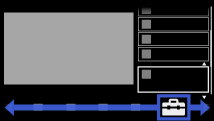
Press the HOME button, then select
 [Settings] at the bottom of the screen using the
  /
/ buttons.
Select
 [External Inputs] using the
  /
/ buttons, then press the
  button.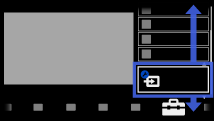
Select [HDMI Set-up] using the
/ buttons, then press the button.Select [HDMI Device List] using the
/ buttons, then press the button.
To return to the last viewed source, press the HOME button twice.
