

- Top Page >
- Watching TV >
- Display information
Display information
Steps
While watching a programme, press the
 button.
In digital mode: Details of the current programme appear.
In analogue mode: Current channel number and screen mode appear.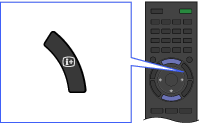
In digital mode, press the
button again to display details of the next programme.
To close the display information, press the button.
Tips
- If you are viewing text information, pressing the /
 button reveals hidden information (e.g. answers to a quiz).
