

- Top Page >
- Useful Functions >
- Adding to Favourites
Adding to Favourites
Overview
You can quickly access your frequently used items, such as TV channels or external inputs (e.g. game console), by adding them to Favourites. Various items including your media files, Internet content and Widgets can be added to Favourites. You can also access recently viewed items.
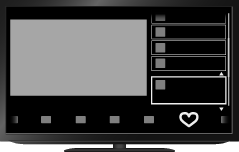
Steps
Display a channel, input, file or content to add to Favourites.
Press the OPTIONS button.
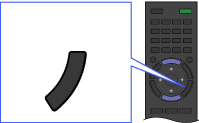 OPTIONS
Select [Add to Favourites] using the
 /
/ buttons, then press the
  button.
Depending on the model, in the case of a digital channel, select [Edit Favourites] → [Add to Favourites] using the/ buttons, then press the button.
To access items in Favourites
Press the HOME button, select  [Favourites/History], then the desired item.
To remove an item from Favourites
Display the item to delete, press the OPTIONS button, then select [Remove from Favourites].
Depending on the model, in the case of a digital channel, display the item to delete, then press the OPTIONS button. Select [Edit Favourites] → [Remove from Favourites].
