

- Top Page >
- Basic Operations >
- Enjoy Internet on TV
Enjoy Internet on TV
Overview
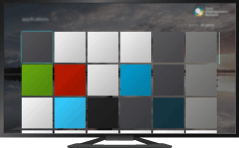
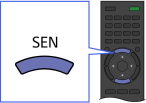
By pressing the SEN button, the Sony Entertainment Network screen appears, which serves as a gateway to Internet content. From this screen, you can access various services and applications. The items on the Sony Entertainment Network screen differ depending on your region/country, and are subject to change.
Steps
Make a broadband Internet connection.
Press the SEN button to display the Sony Entertainment Network screen.
Select the desired service or website using the
 /
/ /
/ /
/ buttons, then press the
  button.
Tips
- Depending on the service, registration may be required before use.
