

- Top Page >
- Using Internet >
- Browsing Websites
Browsing Websites
Overview
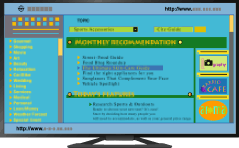
When the TV is connected to the Internet, you can browse websites.
Steps
Make a broadband Internet connection.
Press the HOME button, then select [Applications] using the
 /
/ buttons.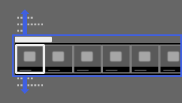
Select [All Applications] using the
 /
/ buttons, then press the
  button.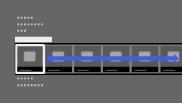
Select [Internet Browser] using the
/// buttons, then press the button.
To return to the last viewed source, press the HOME button.
To enter a URL
Press the OPTIONS button, select [URL Entry], then enter a URL.
To change the character size
Press the OPTIONS button, select [Zoom], then the desired option.
Notes
- If the TV does not support the functions provided by certain Internet services (e.g. Adobe Flash Player, PDF viewer), web content may not be displayed correctly, or some functions may not work properly. Also, the TV may not support functions developed in the future.
- In no event shall Sony be liable for any damage caused or associated with the use of the Internet browser, malfunction (including software) or communication failure.
