

- Top Page >
- Configuring Various Settings >
- Setting sound according to TV position
Setting sound according to TV position
Overview
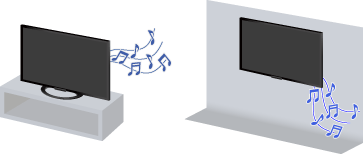
You can create different sound images from the TV speakers according to how you position the TV.
Steps
Press the HOME button, then select [Settings] using the
 /
/ buttons.
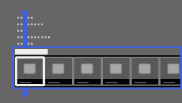
Select
 [Sound] using the
  /
/ buttons, then press the
  button.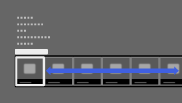
Select [TV Position] using the
/ buttons, then press the button.Select the desired option using the
/ buttons, then press the button.
To return to the last viewed source, press the HOME button twice.
Available Options
- [Table-Top Stand]
- Provides the best sound quality when you place the TV on a TV stand.
- [Wall Mount]
- Provides the best sound quality when you hang the TV on a wall.
