
 Operation Search
DISP (Screen Display Settings)
-
Press DISP (Screen Display Settings) on the control button.
-
Select the desired mode with the control button.
|
|
 (Bright + Image Only) (Bright + Image Only) |
Sets screen brighter and displays only images.
 |
|
|
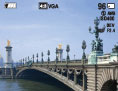
 (Bright + Exposure Data) (Bright + Exposure Data)(In playback mode only)
|
Sets screen brighter and displays the information.
Exif data for the recorded image are also displayed.
 |
|
|
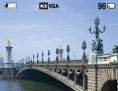
 (Bright) (Bright) |
Sets screen brighter and displays the information.
 |
 |
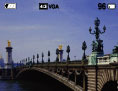
 (Normal) (Normal) |
Sets screen to standard brightness and displays the information.
 |
Note
-
If you view images in bright outside light, adjust the screen brightness up. However, the battery power may decrease faster under such condition.
