


Scene Selection
You can record images effectively in various situations.
-
 - [Camera/Mic] - [
 Camera Settings] - [Scene Selection] - desired setting.
Descriptions of menu items
 (Auto)(default setting):
- Adjusts image quality automatically.
-
 (Night Scene)(*):
 -
Using a tripod (sold separately) allows you to shoot beautiful night scenes.

-
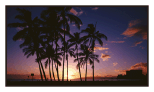
 (Sunrise&Sunset)(*):
 -
Reproduces the atmosphere of scenes such as sunsets or sunrises.
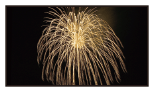
 (Fireworks)(*):
-
Takes spectacular shots of fireworks.
-
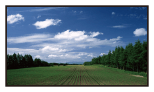
 (Landscape)(*):
 -
Shoots distant subjects clearly. This setting also prevents this product from focusing on glass or metal mesh in windows between this product and the subject.
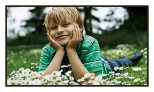
 (Portrait):
-
Brings out the subject such as people or flowers while creating a soft background.
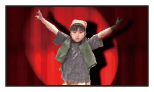
 (Spotlight):
-
Prevents people’s faces from appearing excessively white when subjects are lit by strong light.
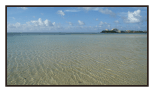
 (Beach):
-
Takes the vivid blue of the ocean or a lake.
-
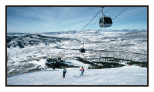
 (Snow):
 -
Takes bright pictures of a white landscape.
*Adjusted to focus on subjects farther away only.
Note
- If you set [Scene Selection], the following settings are canceled.
- White Balance
- IRIS
- Shutter Speed
-
 Cinematone