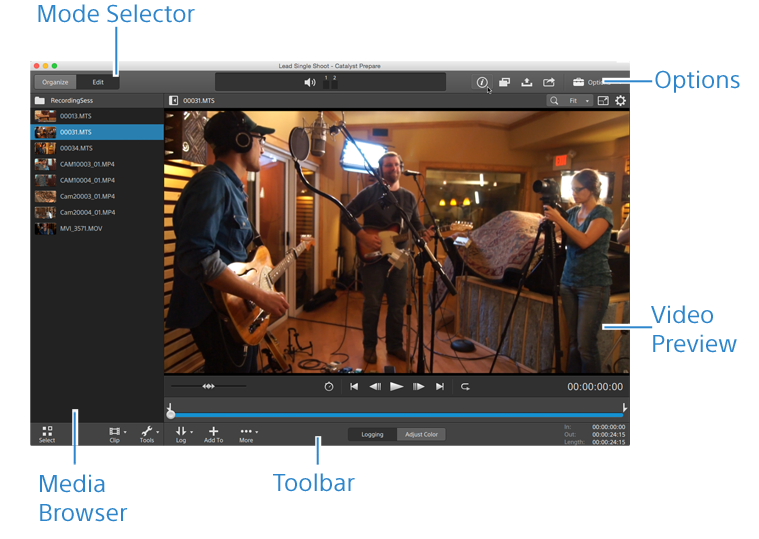
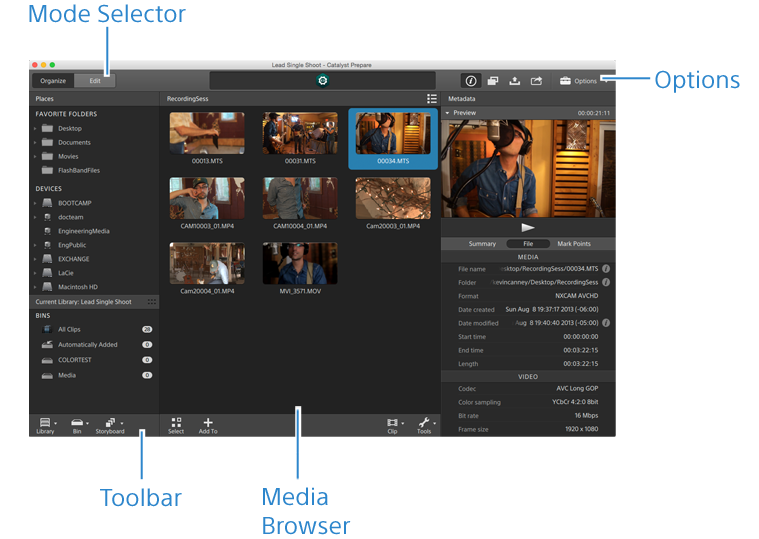
The Catalyst Prepare window
The Catalyst Prepare window can be displayed in two modes:
-
In Organize mode, you can make a checksum-verified, full-volume backup; browse your computer for media files; copy media to your computer; add to your media libraries; organize library clips using bins; export clips to additional volumes or devices; upload to Sony Media Cloud Services Ci; and transcode files.
-
In Edit mode, you can preview media, mark in and out points, and apply looks and color correction.
Click the Organize or Edit button at the top of the Catalyst Prepare window to change modes.
Organize mode
Edit mode