Operation Search
Exposure
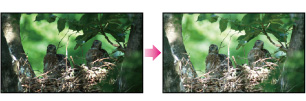
You can fix the brightness of a picture manually. Adjust the brightness when the subject is too bright or too dark.
-

 [Camera/Mic] [
 Manual Settings] [Exposure].
-
Select the desired item.
 |
Auto
The exposure is adjusted automatically.
|
|
|
Manual
Adjust the exposure using
 to increase the brightness when recording a white or backlit subject, and to increase the brightness when recording a white or backlit subject, and  to lower the brightness when recording a dark subject or in a dark place. to lower the brightness when recording a dark subject or in a dark place. |