
 Before Use
Easy Mode
Allows you to shoot still images using the minimum necessary functions.
The text size increases and indicators become easier to see.
-
MENU

 (Easy Mode) [OK]
-
Shoot with the shutter button.
 To end Easy Mode, touch MENU
[Exit Easy Mode]
To end Easy Mode, touch MENU
[Exit Easy Mode]Notes
-
The battery power may decrease faster because the screen brightness increases automatically.
-
The playback mode also changes to [Easy Mode].
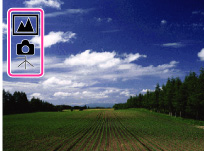
Scene Recognition
Scene Recognition operates in Easy Mode. This function lets the camera automatically recognize the shooting conditions and shoot an image.
Shooting functions available in Easy Mode (Shooting)
|
Movie button
|
Touch
 . . |
|
Flash
|
Touch
 . . |
|
Still Image Size
|
MENU
[Still Image Size] desired mode,
select between [Large] or [Small] size. |
|
Self-Timer
|
MENU
[Self-Timer] select between [On] or [Off] mode. |
|
Exit Easy Mode
|
To end Easy Mode, touch MENU
[Exit Easy Mode] [OK]. |
Related Topic
