


- Top Page >
- Watching TV >
- Picture in Picture (PIP)
Picture in Picture (PIP)
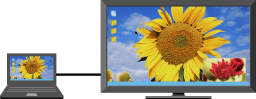
Displays two pictures (PC input and TV program/composite video) on the screen simultaneously.
“PIP” displays a picture from the connected PC in the full screen, and a TV program or composite video in an inset window. This feature is available when a PC is connected with an HDMI cable. Available inputs may vary depending on the TV model.
|
 |
 |
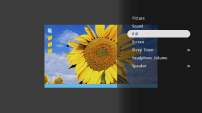
Press
 and select the “PIP” from the Menu.
Use the
Menu to switch audio output between the two pictures.
