


- Top Page >
- Fun Features with Connected Equipment >
- “BRAVIA” Internet Widgets
“BRAVIA” Internet Widgets
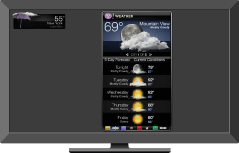
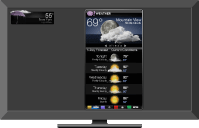
Delivers interactive content when your TV is connected to the Internet.
With the Widgets feature, you can display a variety of information on the screen. Widgets are small downloadable applications that provide easy access to interactive content when your TV is connected to the Internet.
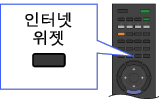

- Be sure to connect your TV to the Internet, and complete the initial setup and “Network Setup.”
- This feature may not be available in some regions/countries.
- Available Widgets depend on your region/country.
Installing Widgets
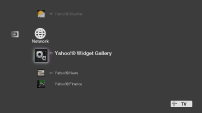
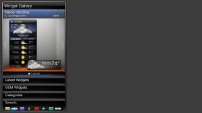
You can install Widgets using the “Widget Gallery” under the “Network” category in the “XMB.”
|
 |
 |
Press
 , then select
  > Widget Gallery.
Select the desired Widget to install.

- To delete Widgets, highlight a Widget in the “XMB,” press
 , then select “Delete.”
Launching Widgets
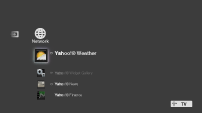
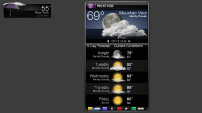
Hidden or closed Widgets can be launched from the “Network” category in the “XMB.”
|
|
 |
Press
to display the “XMB.”Select the desired Widget icon listed in the “Network” category.
Expanding Snippet to Widget
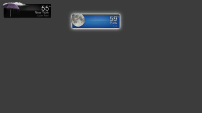
Highlight a minimized view of a Widget, called a “Snippet”, and press  to expand it into a Widget.
|
|
|
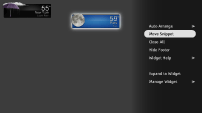
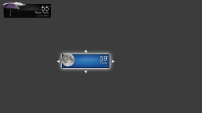
Moving Snippets on the Screen
Move Snippets by using the remote control and set them in your preferred position on the screen.
|
|
 |
Press
after highlighting the Snippet you want to move.Select “Move Snippet” from the
Menu list.Set the Snippet in your preferred position, then press
.
