


- Top Page >
- Parts Description >
- Lower
Lower
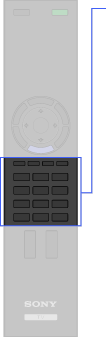
- Colour buttons
- Number buttons


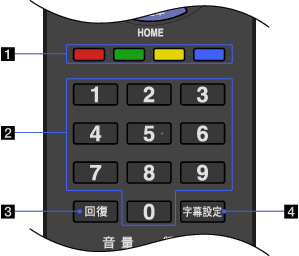
- Colour buttons
When the colour buttons are available, an operation guide appears on the screen.
- Number buttons
Press to select channels. For channel numbers 10 and above, press the next digit quickly.
-
Press to jump back and forth between two channels or inputs. The TV alternates between the current channel or input and the last channel or input that was selected.
-
Press to turn subtitles on or off (when the feature is available).
