


- Top Page >
- Watching TV >
- Picture Mode
Picture Mode
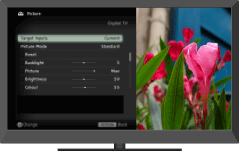
Allows you to select the picture mode according to your preference.
You can select the picture mode according to your preference.
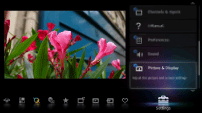
Press  , then select
  → [Picture & Display] → [Picture Adjustments] → [Picture Mode] → the desired option.

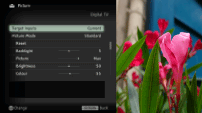

- The option you can select may vary depending on the situation.
- Unavailable options are grayed out or not displayed.
