


- Top Page >
- Parts Description >
- Bottom
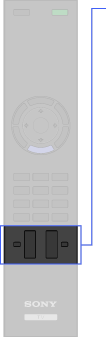
Bottom
 +/–
+/–
 +/–
+/–
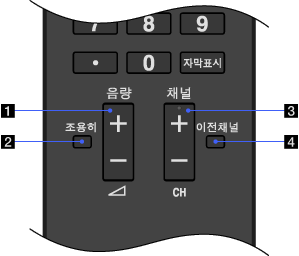
- +/–
Press to adjust the volume.
-
Press to mute the sound. Press again to restore the sound.
- +/–
Press to select the next (+) or previous (–) channel.
-
Press to jump back and forth between two channels or inputs. The TV alternates between the current channel or input and the last channel or input that was selected.
