


- Top Page >
- Parts Description >
- Top
Top
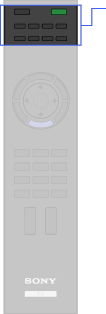


- BD/DVD operating buttons
-
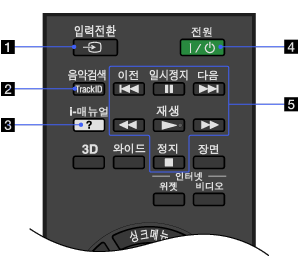
Press to display a list of inputs.
-
Searches for information about the music currently playing.
-
Press to display the on-screen instruction manual (this manual).
-
Press to turn on the TV or to enter standby mode.
- BD/DVD operating buttons
 /
/ : Go to the beginning of the previous/next title/chapter/scene/track.
 /
/ : Fast reverse/fast forward the disc when pressed during playback.
 : Pause or re-start playback.
 : Play a disc at normal speed.
 : Stop playback.
