C_DispSnd_AEP_GA_Info 【AEP/eng】
| Level3 | EntryPoint | ||||||
|---|---|---|---|---|---|---|---|
| DispSnd_AEP_GA | |||||||
C_DispSnd_AEP_GA_Info | FullScreen: Page 1
- block_id: 30318 «C_DispSnd_AEP_GA_Info»
- Steps
- block_id: 30319 «C_DispSnd_AEP_GA_Info»
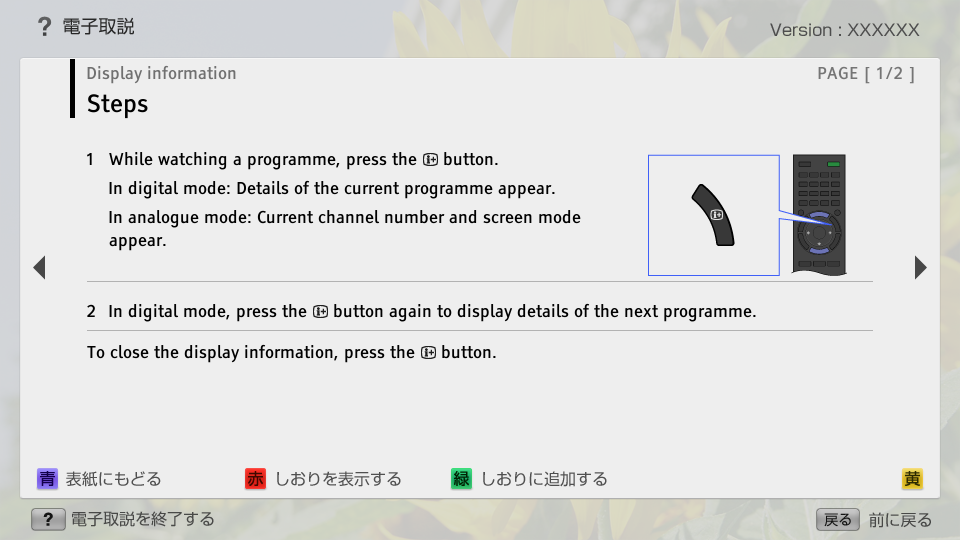
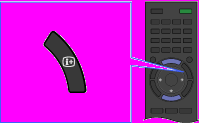
- 1. While watching a programme, press the
 button.
 - block_id: 30320 «C_DispSnd_AEP_GA_Info»
- In digital mode: Details of the current programme appear.
- block_id: 30321 «C_DispSnd_AEP_GA_Info»
- In analogue mode: Current channel number and screen mode appear.
- block_id: 30322 «C_DispSnd_AEP_GA_Info»
【img=i_wRM_display_AEP.full.png】- block_id: 33895 «C_DispSnd_AEP_GA_Info»
- 2. In digital mode, press the button again to display details of the next programme.
- block_id: 30323 «C_DispSnd_AEP_GA_Info»
- To close the display information, press the button.
 button reveals hidden information (e.g. answers to a quiz).