C_Srvc_AEP_CO_Radio 【AEP/eng】
| Level3 | EntryPoint | ||||||
|---|---|---|---|---|---|---|---|
| Srvc_AEP | |||||||
| Srvc_AEP_MHP | |||||||
| Srvc_AEP_MHP_nodivx | |||||||
| Srvc_AEP_nodivx | |||||||
C_Srvc_AEP_CO_Radio | FullScreen: Page 1
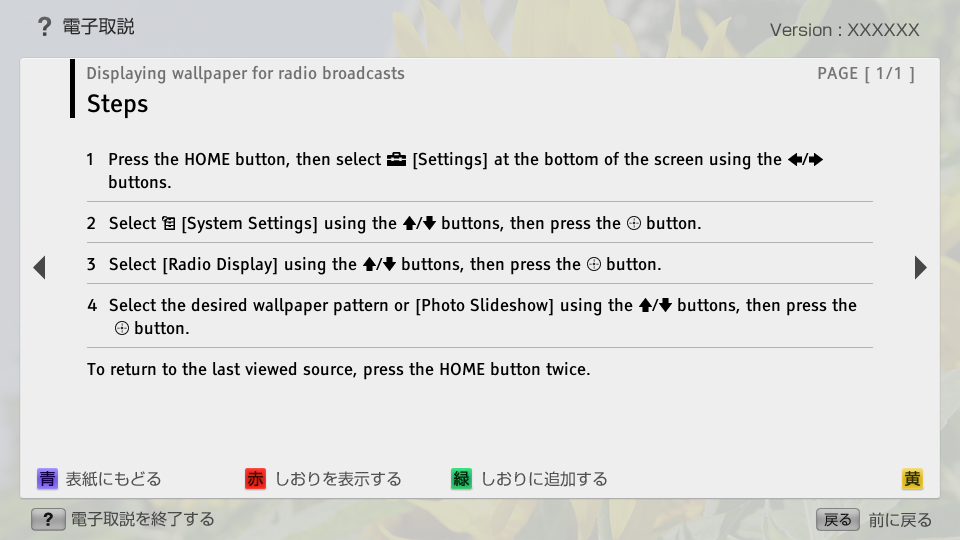
- block_id: 32646 «C_Srvc_AEP_CO_Radio»
- Steps
- block_id: 32647 «C_Srvc_AEP_CO_Radio»
- 1. Press the HOME button, then select
 [Settings] at the bottom of the screen using the
  /
/ buttons.
 - block_id: 32648 «C_Srvc_AEP_CO_Radio»
- 2. Select
 [System Settings] using the
  /
/ buttons, then press the
  button.
 - block_id: 32649 «C_Srvc_AEP_CO_Radio»
- 3. Select [Radio Display] using the / buttons, then press the button.
- block_id: 32650 «C_Srvc_AEP_CO_Radio»
- 4. Select the desired wallpaper pattern or [Photo Slideshow] using the / buttons, then press the button.
- block_id: 32651 «C_Srvc_AEP_CO_Radio»
- To return to the last viewed source, press the HOME button twice.