C_Srvc_AEP_GA_Ibanner 【AEP/eng】
| Level3 | EntryPoint | ||||||
|---|---|---|---|---|---|---|---|
| Srvc_AEP | |||||||
| Srvc_AEP_MHP | |||||||
| Srvc_AEP_MHP_nodivx | |||||||
| Srvc_AEP_nodivx | |||||||
C_Srvc_AEP_GA_Ibanner | FullScreen: Page 1
- block_id: 32631 «C_Srvc_AEP_GA_Ibanner»
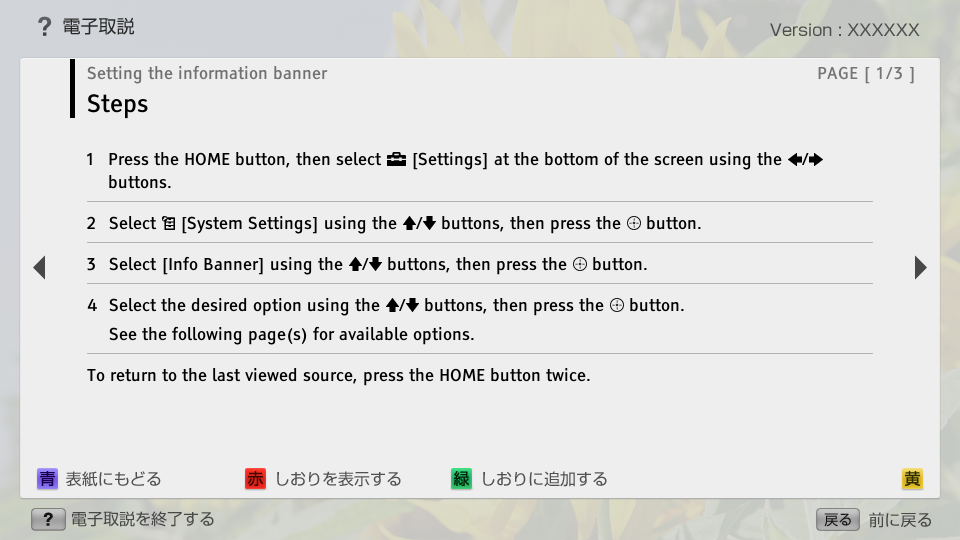
- Steps
- block_id: 32632 «C_Srvc_AEP_GA_Ibanner»
- 1. Press the HOME button, then select
 [Settings] at the bottom of the screen using the
  /
/ buttons.
 - block_id: 32633 «C_Srvc_AEP_GA_Ibanner»
- 2. Select
 [System Settings] using the
  /
/ buttons, then press the
  button.
 - block_id: 32634 «C_Srvc_AEP_GA_Ibanner»
- 3. Select [Info Banner] using the / buttons, then press the button.
- block_id: 32635 «C_Srvc_AEP_GA_Ibanner»
- 4. Select the desired option using the / buttons, then press the button.
- block_id: 37621 «C_Srvc_AEP_GA_Ibanner»
- See the following page(s) for available options.
- block_id: 32636 «C_Srvc_AEP_GA_Ibanner»
- To return to the last viewed source, press the HOME button twice.
C_Srvc_AEP_GA_Ibanner | FullScreen: Page 2
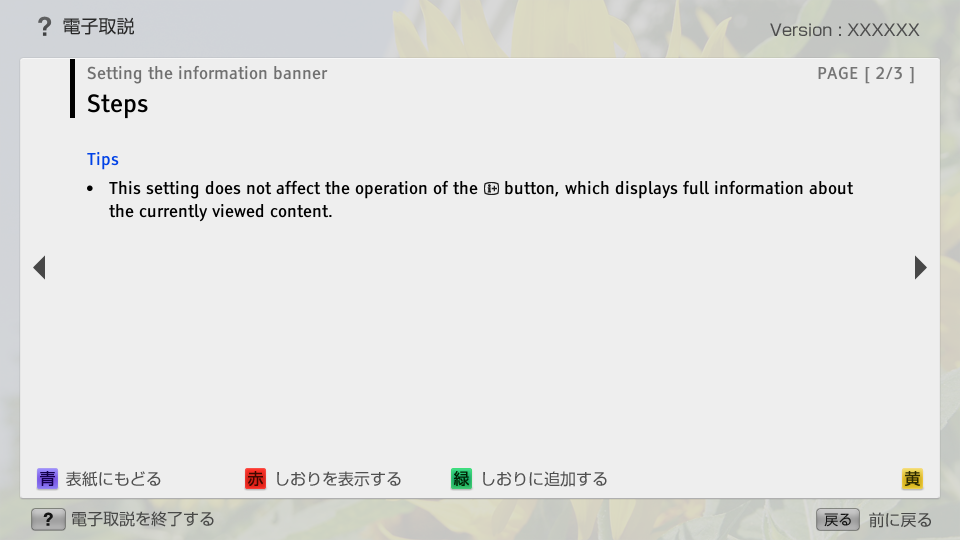
 button, which displays full information about the currently viewed content.
C_Srvc_AEP_GA_Ibanner | FullScreen: Page 3
- block_id: 32639 «C_Srvc_AEP_GA_Ibanner»
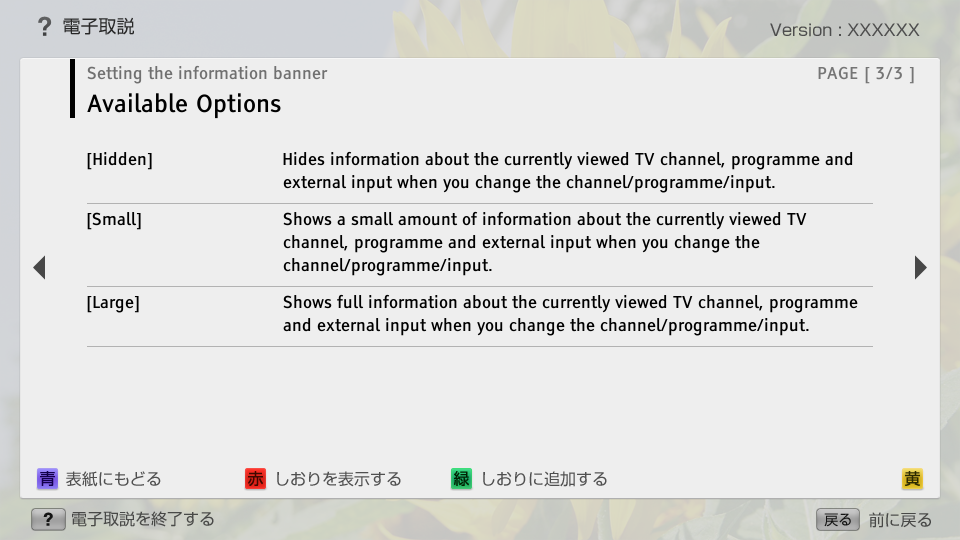
- Available Options
- block_id: 32640 «C_Srvc_AEP_GA_Ibanner»
- [Hidden]
- block_id: 32641 «C_Srvc_AEP_GA_Ibanner»
- Hides information about the currently viewed TV channel, programme and external input when you change the channel/programme/input.
- block_id: 32642 «C_Srvc_AEP_GA_Ibanner»
- [Small]
- block_id: 32643 «C_Srvc_AEP_GA_Ibanner»
- Shows a small amount of information about the currently viewed TV channel, programme and external input when you change the channel/programme/input.
- block_id: 32644 «C_Srvc_AEP_GA_Ibanner»
- [Large]
- block_id: 32645 «C_Srvc_AEP_GA_Ibanner»
- Shows full information about the currently viewed TV channel, programme and external input when you change the channel/programme/input.