C_Srvc_AEP_GA_TW_KR_DivX 【AEP/eng】
| Level3 | EntryPoint | ||||||
|---|---|---|---|---|---|---|---|
| Srvc_AEP | |||||||
| Srvc_AEP_MHP | |||||||
C_Srvc_AEP_GA_TW_KR_DivX | FullScreen: Page 1
- block_id: 37627 «C_Srvc_AEP_GA_TW_KR_DivX»
- Overview
- block_id: 37628 «C_Srvc_AEP_GA_TW_KR_DivX»
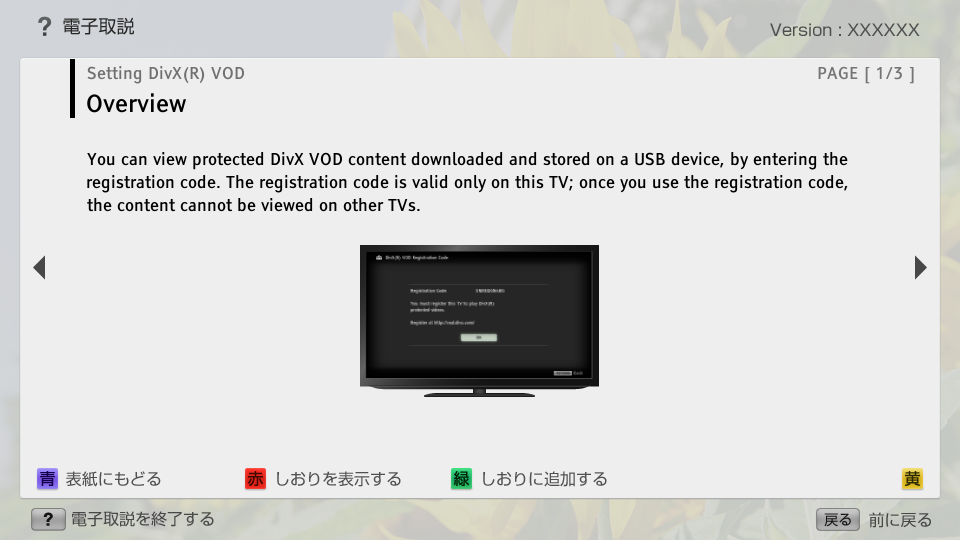
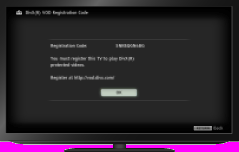
- You can view protected DivX VOD content downloaded and stored on a USB device, by entering the registration code. The registration code is valid only on this TV; once you use the registration code, the content cannot be viewed on other TVs.
- block_id: 37629 «C_Srvc_AEP_GA_TW_KR_DivX»
【img=i_divx_set_ov.full.png】
C_Srvc_AEP_GA_TW_KR_DivX | FullScreen: Page 2
- block_id: 32689 «C_Srvc_AEP_GA_TW_KR_DivX»
- Steps
- block_id: 32690 «C_Srvc_AEP_GA_TW_KR_DivX»
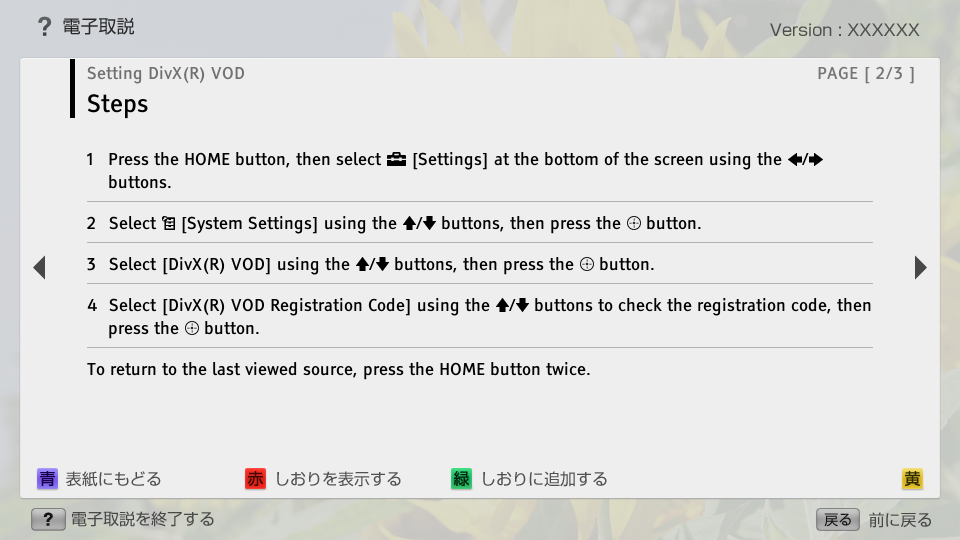
- 1. Press the HOME button, then select
 [Settings] at the bottom of the screen using the
  /
/ buttons.
 - block_id: 32691 «C_Srvc_AEP_GA_TW_KR_DivX»
- 2. Select
 [System Settings] using the
  /
/ buttons, then press the
  button.
 - block_id: 32692 «C_Srvc_AEP_GA_TW_KR_DivX»
- 3. Select [DivX(R) VOD] using the / buttons, then press the button.
- block_id: 32693 «C_Srvc_AEP_GA_TW_KR_DivX»
- 4. Select [DivX(R) VOD Registration Code] using the / buttons to check the registration code, then press the button.
- block_id: 32696 «C_Srvc_AEP_GA_TW_KR_DivX»
- To return to the last viewed source, press the HOME button twice.
C_Srvc_AEP_GA_TW_KR_DivX | FullScreen: Page 3
- block_id: 37630 «C_Srvc_AEP_GA_TW_KR_DivX»
- To check the deregistration code
- block_id: 37631 «C_Srvc_AEP_GA_TW_KR_DivX»
- Press the HOME button, then select [Settings] → [System Settings] → [DivX(R) VOD Deregistration Code].
- block_id: 37632 «C_Srvc_AEP_GA_TW_KR_DivX»
- Tips
- block_id: 32698 «C_Srvc_AEP_GA_TW_KR_DivX»
- ・ A new registration code will be displayed in [DivX(R) VOD Registration Code] after deleting registration via [DivX(R) VOD Deregistration Code].