C_Srvc_AEP_IASetup 【AEP/eng】
| Level3 | EntryPoint | ||||||
|---|---|---|---|---|---|---|---|
| Srvc_AEP_MHP | |||||||
| Srvc_AEP_MHP_nodivx | |||||||
C_Srvc_AEP_IASetup | FullScreen: Page 1
- block_id: 32666 «C_Srvc_AEP_IASetup»
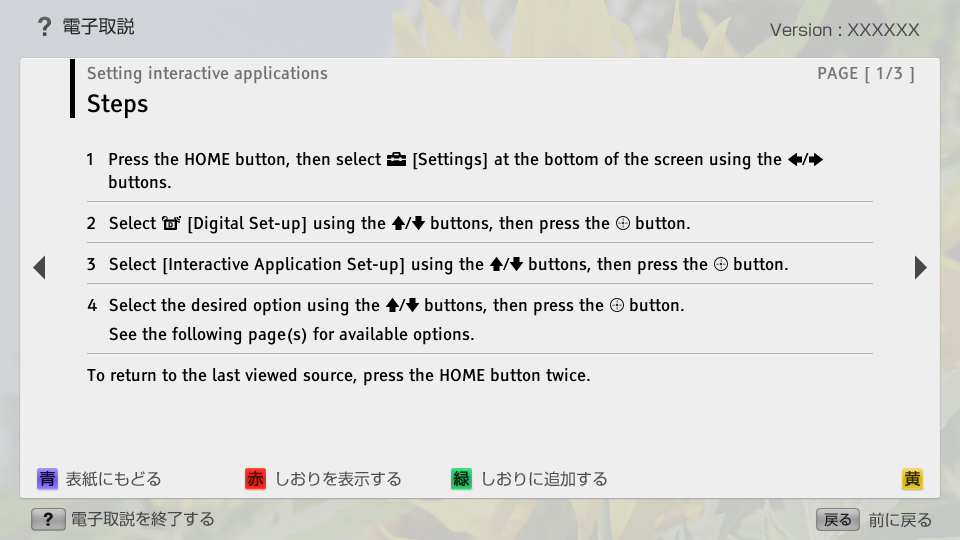
- Steps
- block_id: 32667 «C_Srvc_AEP_IASetup»
- 1. Press the HOME button, then select
 [Settings] at the bottom of the screen using the
  /
/ buttons.
 - block_id: 32668 «C_Srvc_AEP_IASetup»
- 2. Select
 [Digital Set-up] using the
  /
/ buttons, then press the
  button.
 - block_id: 32669 «C_Srvc_AEP_IASetup»
- 3. Select [Interactive Application Set-up] using the / buttons, then press the button.
- block_id: 32670 «C_Srvc_AEP_IASetup»
- 4. Select the desired option using the / buttons, then press the button.
- block_id: 37626 «C_Srvc_AEP_IASetup»
- See the following page(s) for available options.
- block_id: 32671 «C_Srvc_AEP_IASetup»
- To return to the last viewed source, press the HOME button twice.
C_Srvc_AEP_IASetup | FullScreen: Page 2
- block_id: 32672 «C_Srvc_AEP_IASetup»
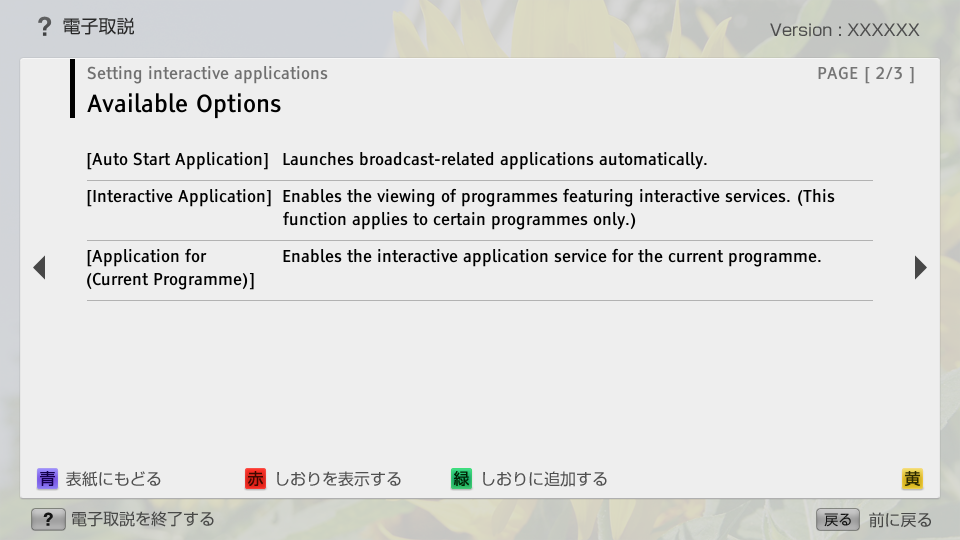
- Available Options
- block_id: 32673 «C_Srvc_AEP_IASetup»
- [Auto Start Application]
- block_id: 32674 «C_Srvc_AEP_IASetup»
- Launches broadcast-related applications automatically.
- block_id: 32675 «C_Srvc_AEP_IASetup»
- [Interactive Application]
- block_id: 32676 «C_Srvc_AEP_IASetup»
- Enables the viewing of programmes featuring interactive services. (This function applies to certain programmes only.)
- block_id: 32677 «C_Srvc_AEP_IASetup»
- [Application for (Current Programme)]
- block_id: 32678 «C_Srvc_AEP_IASetup»
- Enables the interactive application service for the current programme.
C_Srvc_AEP_IASetup | FullScreen: Page 3
- block_id: 32679 «C_Srvc_AEP_IASetup»
- Notes
- block_id: 32680 «C_Srvc_AEP_IASetup»
- ・ [Interactive Application Set-up] is available depending on your TV model/region/country.
- block_id: 32681 «C_Srvc_AEP_IASetup»
- ・ Java is a trademark of Oracle and/or its affiliates.
- block_id: 32682 «C_Srvc_AEP_IASetup»

【img=S_txt_Java.full.png】