C_USBRec_AEP_Pause 【AEP/eng】
| Level3 | EntryPoint | ||||||
|---|---|---|---|---|---|---|---|
| USBRec_AEP | |||||||
C_USBRec_AEP_Pause | FullScreen: Page 1

C_USBRec_AEP_Pause | FullScreen: Page 2
- block_id: 33982 «C_USBRec_AEP_Pause»
- Steps
- block_id: 33983 «C_USBRec_AEP_Pause»
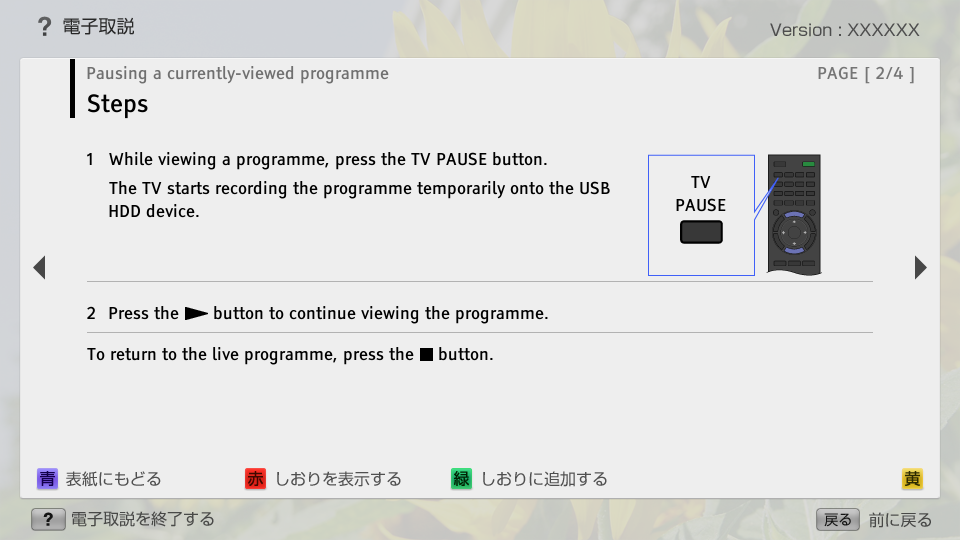
- 1. While viewing a programme, press the TV PAUSE button.
- block_id: 33984 «C_USBRec_AEP_Pause»
- The TV starts recording the programme temporarily onto the USB HDD device.
- block_id: 33985 «C_USBRec_AEP_Pause»

【img=i_wRM_tvpause.full.png】- block_id: 33986 «C_USBRec_AEP_Pause»
- TV PAUSE
- block_id: 33987 «C_USBRec_AEP_Pause»
- 2. Press the
 button to continue viewing the programme.
 - block_id: 33988 «C_USBRec_AEP_Pause»
- To return to the live programme, press the
 button.
C_USBRec_AEP_Pause | FullScreen: Page 3
C_USBRec_AEP_Pause | FullScreen: Page 4
- block_id: 33991 «C_USBRec_AEP_Pause»
- Notes
- block_id: 33992 «C_USBRec_AEP_Pause»
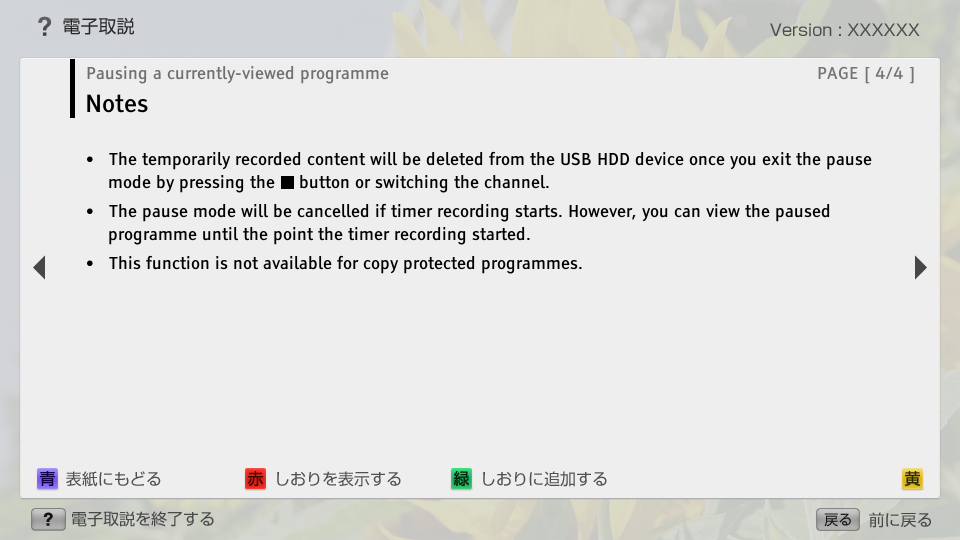
- ・ The temporarily recorded content will be deleted from the USB HDD device once you exit the pause mode by pressing the button or switching the channel.
- block_id: 33993 «C_USBRec_AEP_Pause»
- ・ The pause mode will be cancelled if timer recording starts. However, you can view the paused programme until the point the timer recording started.
- block_id: 33994 «C_USBRec_AEP_Pause»
- ・ This function is not available for copy protected programmes.