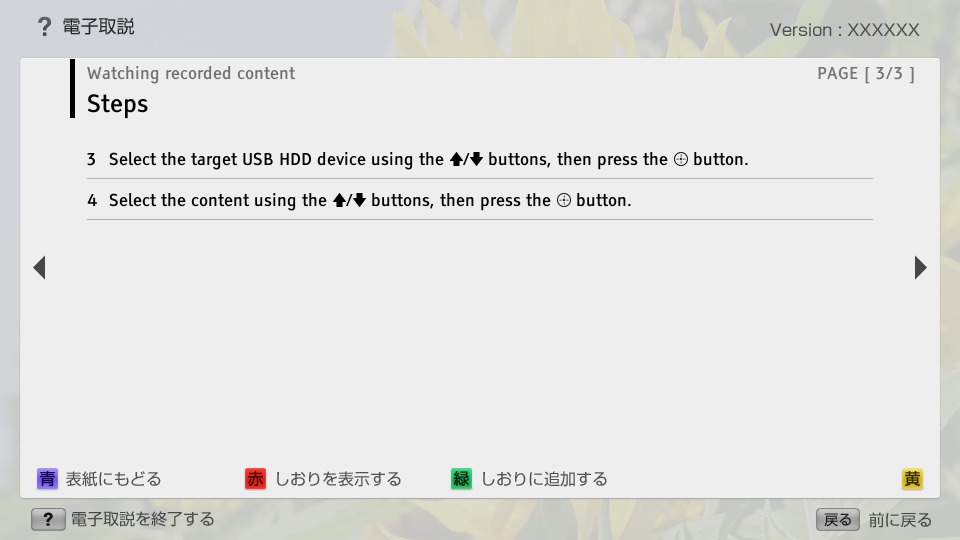
C_USBRec_AEP_Watch 【AEP/eng】
| Level3 | EntryPoint | ||||||
|---|---|---|---|---|---|---|---|
| USBRec_AEP | |||||||
| USBRec_AEP_FSH | |||||||
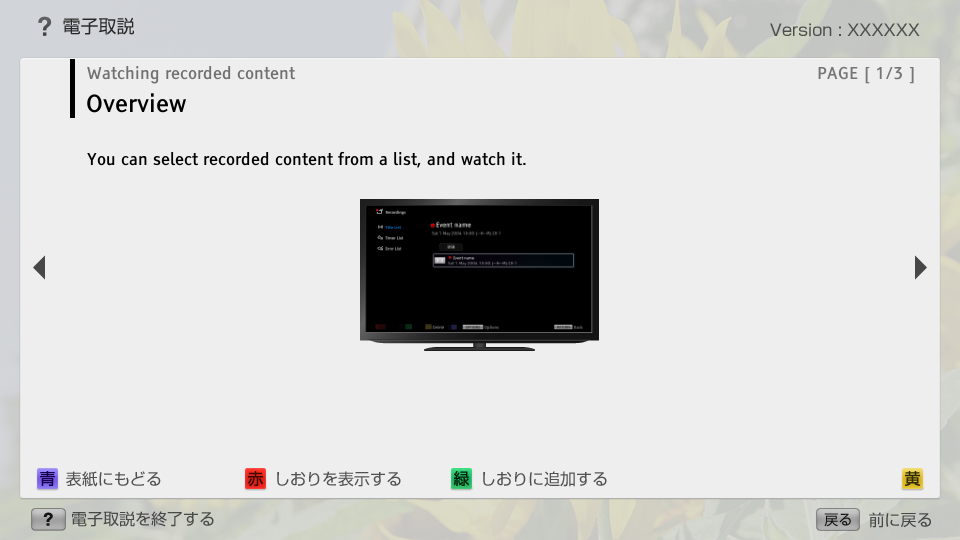
C_USBRec_AEP_Watch | FullScreen: Page 1
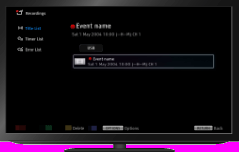
C_USBRec_AEP_Watch | FullScreen: Page 2
- block_id: 33969 «C_USBRec_AEP_Watch»
- Steps
- block_id: 33970 «C_USBRec_AEP_Watch»
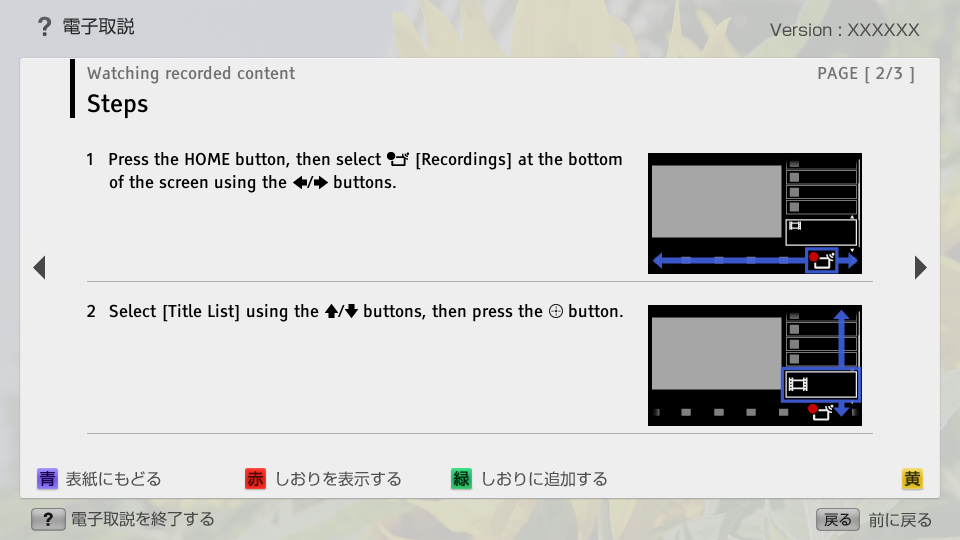
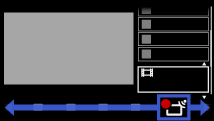
- 1. Press the HOME button, then select
 [Recordings] at the bottom of the screen using the
  /
/ buttons.
 - block_id: 37535 «C_USBRec_AEP_Watch»
【img=i_NUX_recording.full.png】- block_id: 33971 «C_USBRec_AEP_Watch»
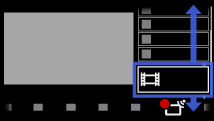
- 2. Select [Title List] using the
 /
/ buttons, then press the
  button.
 - block_id: 37536 «C_USBRec_AEP_Watch»
【img=i_NUX_recording_list.full.png】