PicFrame 【AEP/eng】
【topic_No. 271】 toctext:
|
area flag | ||||||
|---|---|---|---|---|---|---|---|
| JP | |||||||
| 0 | |||||||
| ATSC-UC | ATSC-LTN | ATSC-KR | |||||
| 1 | 1 | 1 | |||||
| ISDB-LTN_BRZ | ISDB-LTN_AR | ISDB-LTN_except_BRAR | ISDB-LTN_NoGinga | DVB-LTN | |||
| 1 | 1 | 1 | 1 | 1 | |||
| DTMB-CH | DTMB-HK | DVB-TW | |||||
| 1 | 1 | 1 | |||||
| DVB-GA_D-Full_AUS_SIN_SA | DVB-GA_D-Full_NZ | DVB-GA_D-Simple | DVB-GA_NoSkype | ||||
| 1 | 1 | 1 | 1 | ||||
| DVB-AEP | DVB-AEP_MHP | DVB-GA-T2_NoSkype | |||||
| 1 | 1 | 1 | |||||
| model flag | |||||||
| 3aG | 3a | P2A | 3a_wifi_Ready | P2S | 2b-1N | 3a-L | |
| 1 | 1 | 1 | 1 | 1 | 1 | 0 | |
| FSH | |||||||
| 0 | |||||||
PicFrame | FullScreen: Page 1
PicFrame | FullScreen: Page 2
- block_id: 31415 «PicFrame»
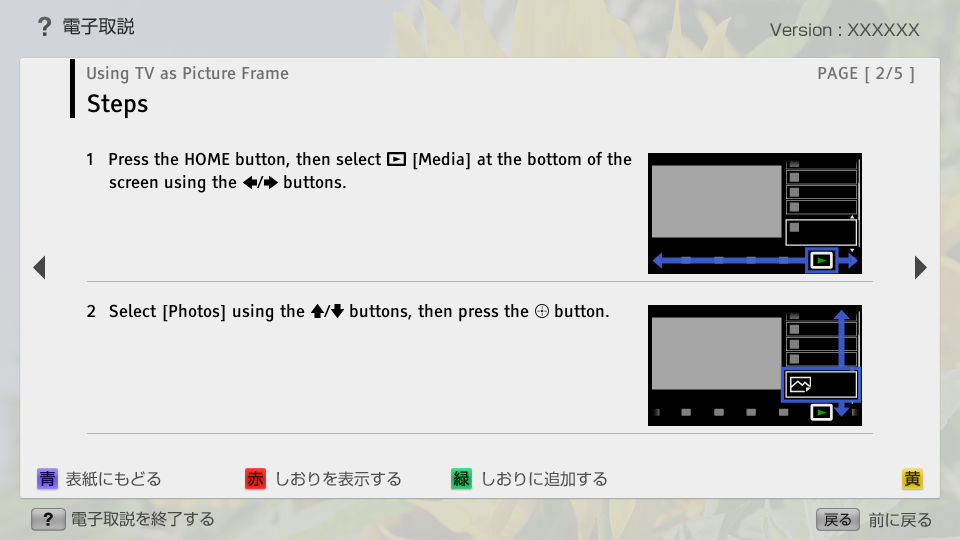
- Steps
- block_id: 31420 «PicFrame»
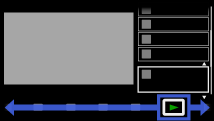
- 1. Press the HOME button, then select
 [Media] at the bottom of the screen using the
  /
/ buttons.
 - block_id: 34143 «PicFrame»
【img=i_NUX_media.full.png】- block_id: 31421 «PicFrame»
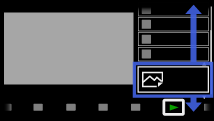
- 2. Select [Photos] using the
 /
/ buttons, then press the
  button.
 - block_id: 34144 «PicFrame»
【img=i_NUX_media_photo.full.png】
PicFrame | FullScreen: Page 3
- block_id: 34145 «PicFrame»
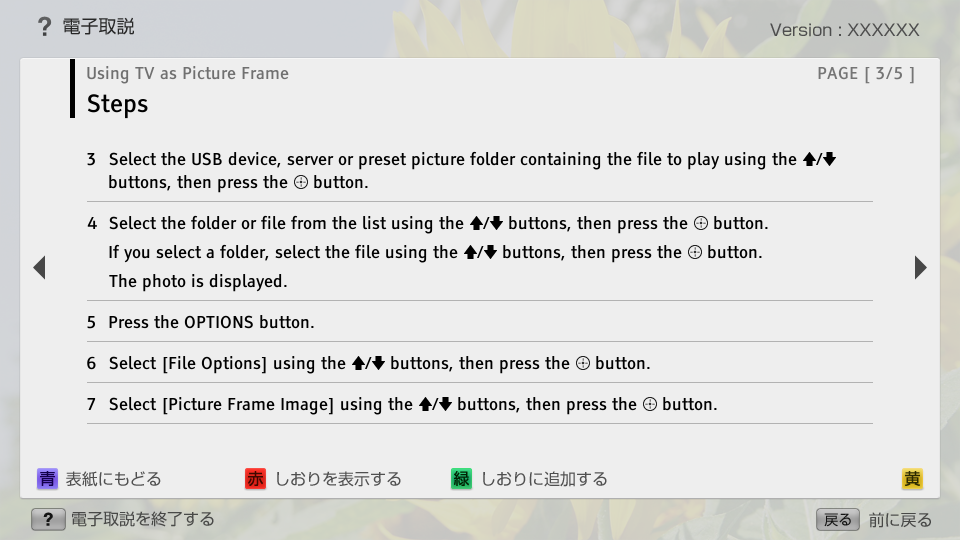
- 3. Select the USB device, server or preset picture folder containing the file to play using the / buttons, then press the button.
- block_id: 34146 «PicFrame»
- 4. Select the folder or file from the list using the / buttons, then press the button.
- block_id: 34147 «PicFrame»
- If you select a folder, select the file using the / buttons, then press the button.
- block_id: 34148 «PicFrame»
- The photo is displayed.
- block_id: 34149 «PicFrame»
- 5. Press the OPTIONS button.
- block_id: 34150 «PicFrame»
- 6. Select [File Options] using the / buttons, then press the button.
- block_id: 34151 «PicFrame»
- 7. Select [Picture Frame Image] using the / buttons, then press the button.
PicFrame | FullScreen: Page 4
- block_id: 34152 «PicFrame»
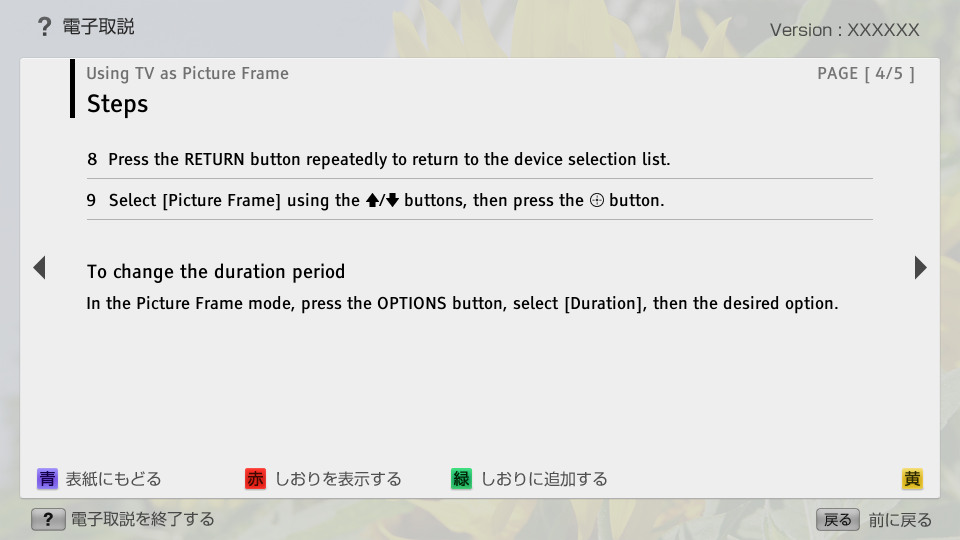
- 8. Press the RETURN button repeatedly to return to the device selection list.
- block_id: 31422 «PicFrame»
- 9. Select [Picture Frame] using the / buttons, then press the button.
- block_id: 31423 «PicFrame»
- To change the duration period
- block_id: 31424 «PicFrame»
- In the Picture Frame mode, press the OPTIONS button, select [Duration], then the desired option.