SyncMenu 【AEP/eng】
【topic_No. 240】 toctext:
|
area flag | ||||||
|---|---|---|---|---|---|---|---|
| JP | |||||||
| 0 | |||||||
| ATSC-UC | ATSC-LTN | ATSC-KR | |||||
| 1 | 1 | 1 | |||||
| ISDB-LTN_BRZ | ISDB-LTN_AR | ISDB-LTN_except_BRAR | ISDB-LTN_NoGinga | DVB-LTN | |||
| 1 | 1 | 1 | 1 | 1 | |||
| DTMB-CH | DTMB-HK | DVB-TW | |||||
| 1 | 0 | 1 | |||||
| DVB-GA_D-Full_AUS_SIN_SA | DVB-GA_D-Full_NZ | DVB-GA_D-Simple | DVB-GA_NoSkype | ||||
| 1 | 1 | 1 | 1 | ||||
| DVB-AEP | DVB-AEP_MHP | DVB-GA-T2_NoSkype | |||||
| 1 | 1 | 1 | |||||
| model flag | |||||||
| 3aG | 3a | P2A | 3a_wifi_Ready | P2S | 2b-1N | 3a-L | |
| 1 | 1 | 1 | 1 | 1 | 1 | 0 | |
| FSH | |||||||
| 0 | |||||||
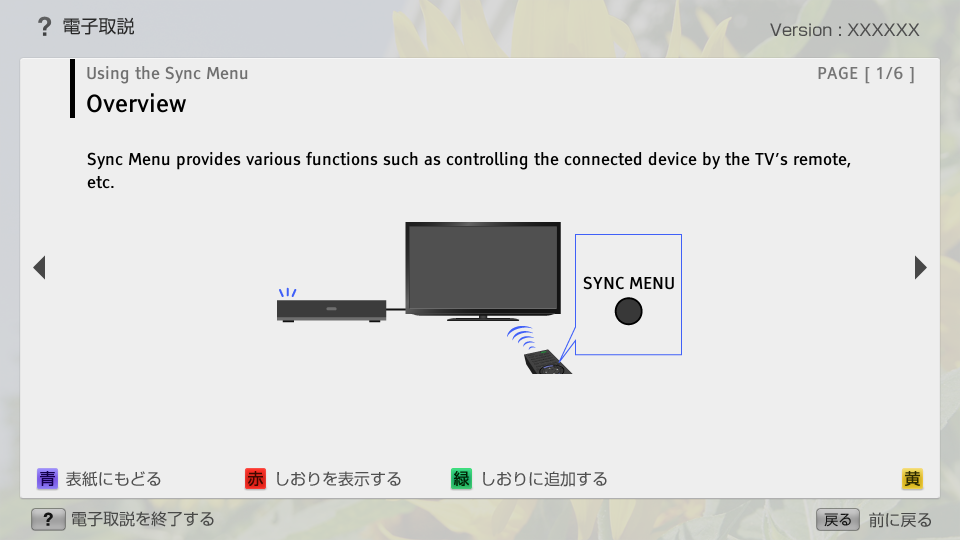
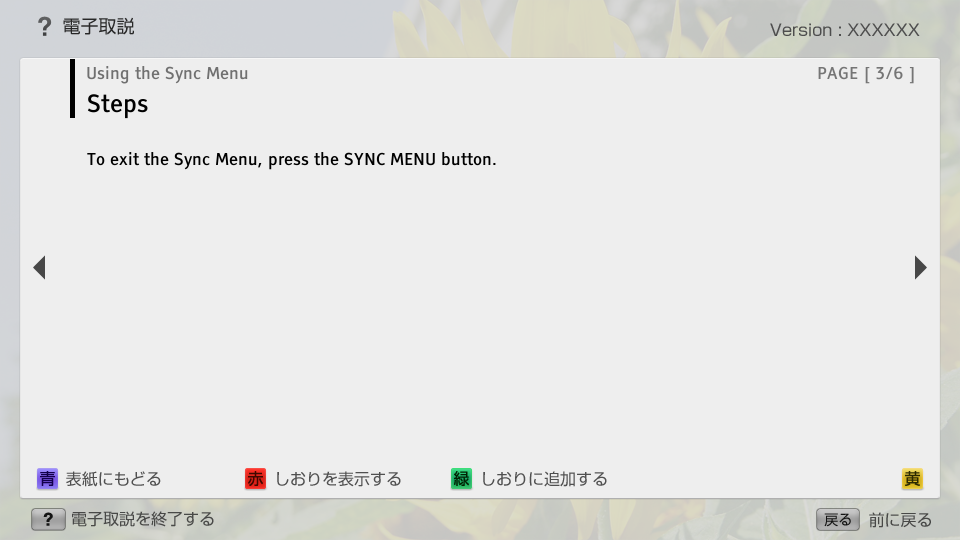
SyncMenu | FullScreen: Page 1
SyncMenu | FullScreen: Page 2
- block_id: 30660 «SyncMenu»
- Steps
- block_id: 30661 «SyncMenu»
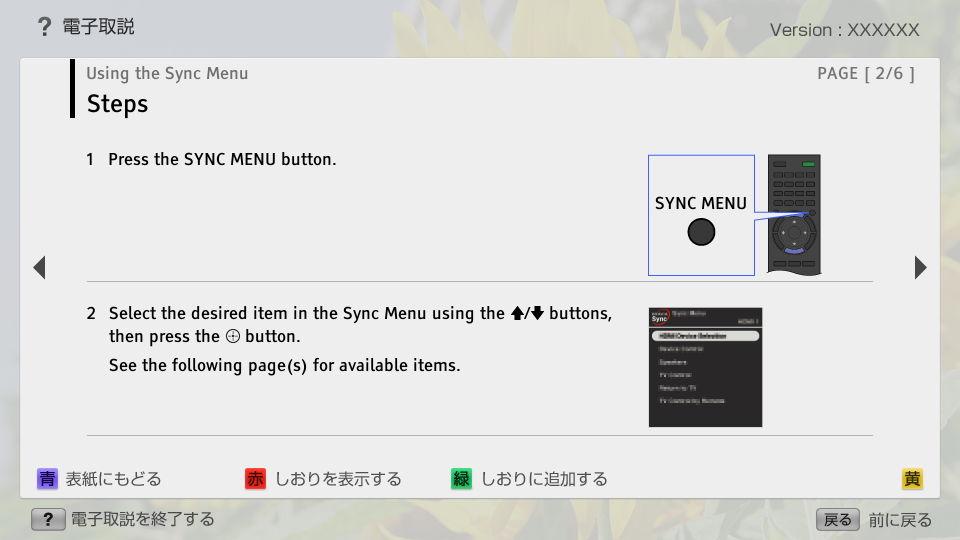
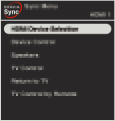
- 1. Press the SYNC MENU button.
- block_id: 30662 «SyncMenu»
【img=i_wRM_sync_caption.full.png】- block_id: 30663 «SyncMenu»
- SYNC MENU
- block_id: 30664 «SyncMenu»
- 2. Select the desired item in the Sync Menu using the
 /
/ buttons, then press the
  button.
 - block_id: 37548 «SyncMenu»
- See the following page(s) for available items.
- block_id: 30665 «SyncMenu»
【img=i_fBRsync_OSD2.full.png】
SyncMenu | FullScreen: Page 3
SyncMenu | FullScreen: Page 4
- block_id: 30667 «SyncMenu»
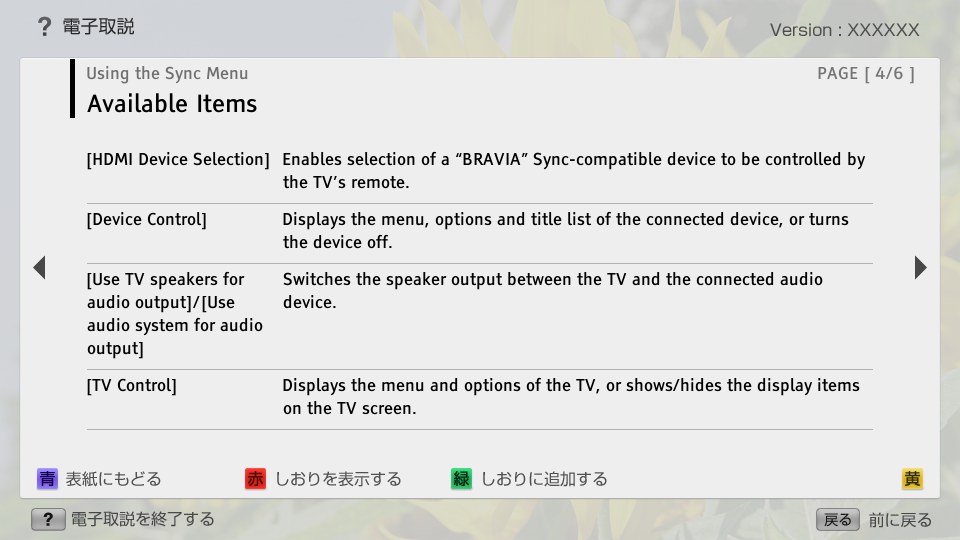
- Available Items
- block_id: 30668 «SyncMenu»
- [HDMI Device Selection]
- block_id: 30669 «SyncMenu»
- Enables selection of a “BRAVIA” Sync-compatible device to be controlled by the TV’s remote.
- block_id: 30670 «SyncMenu»
- [Device Control]
- block_id: 30671 «SyncMenu»
- Displays the menu, options and title list of the connected device, or turns the device off.
- block_id: 30672 «SyncMenu»
- [Use TV speakers for audio output]/[Use audio system for audio output]
- block_id: 30673 «SyncMenu»
- Switches the speaker output between the TV and the connected audio device.
- block_id: 30674 «SyncMenu»
- [TV Control]
- block_id: 30675 «SyncMenu»
- Displays the menu and options of the TV, or shows/hides the display items on the TV screen.
SyncMenu | FullScreen: Page 5
- block_id: 30676 «SyncMenu»
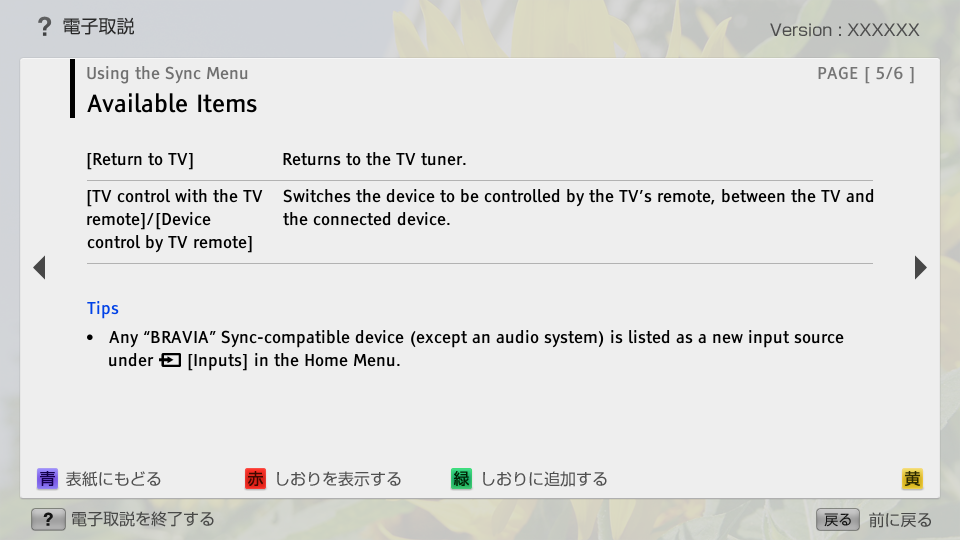
- [Return to TV]
- block_id: 30677 «SyncMenu»
- Returns to the TV tuner.
- block_id: 30678 «SyncMenu»
- [TV control with the TV remote]/[Device control by TV remote]
- block_id: 30679 «SyncMenu»
- Switches the device to be controlled by the TV’s remote, between the TV and the connected device.
- block_id: 30680 «SyncMenu»
- Tips
- block_id: 30681 «SyncMenu»
- ・ Any “BRAVIA” Sync-compatible device (except an audio system) is listed as a new input source under
 [Inputs] in the Home Menu.
SyncMenu | Page 6_1
SyncMenu | Page 6_2
- block_id: 30699 «SyncMenu»
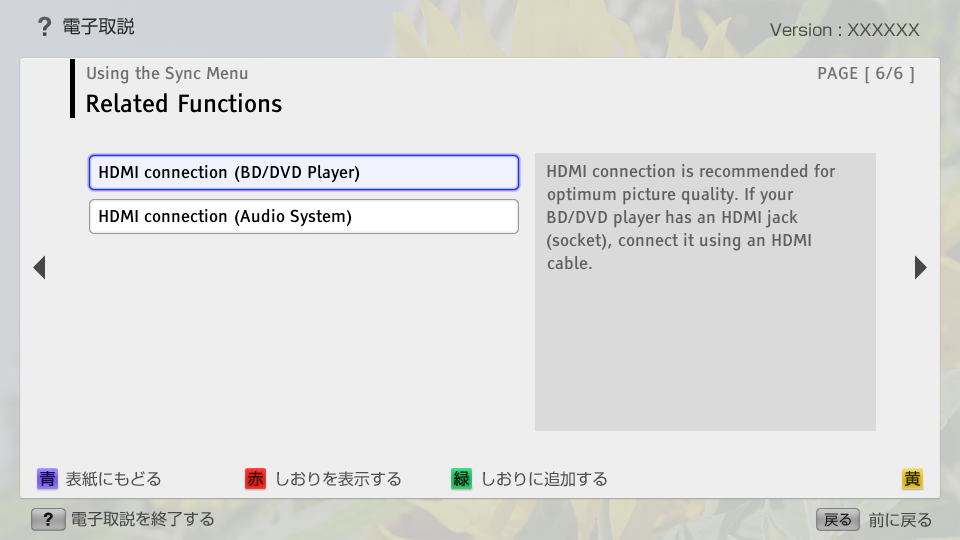
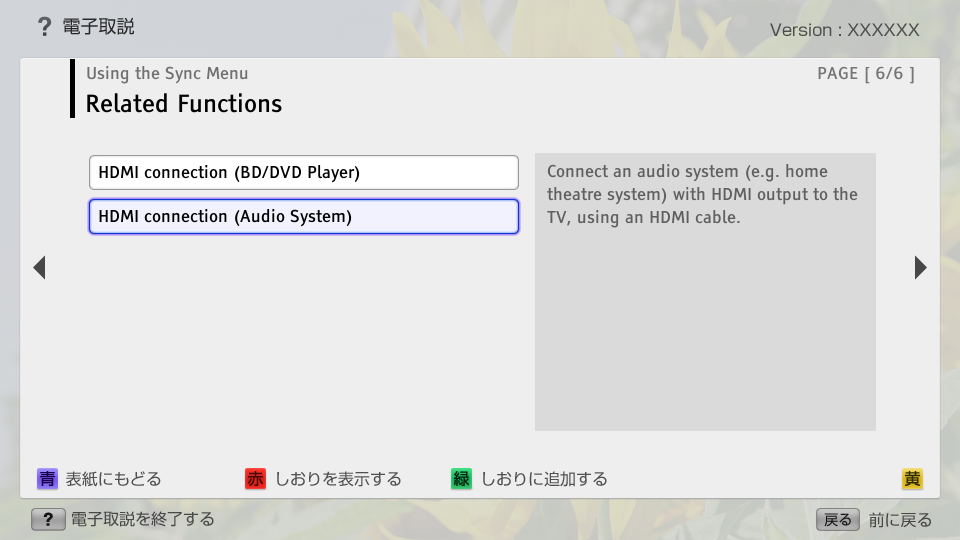
- Related Functions
- block_id: 30700 «SyncMenu» L3_BD_DVD_Player
- HDMI connection (BD/DVD Player)
- block_id: 30702 «SyncMenu» L3_Audio_System
- HDMI connection (Audio System)
- block_id: 30701 «SyncMenu»
- HDMI connection is recommended for optimum picture quality. If your BD/DVD player has an HDMI jack (socket), connect it using an HDMI cable.
- block_id: 30703 «SyncMenu»
- Connect an audio system (e.g. home theatre system) with HDMI output to the TV, using an HDMI cable.