

- Top Page >
- Useful Functions >
- Setting the on timer
Setting the on timer
Overview
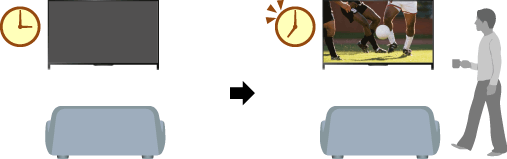
You can set the TV to turn on from standby mode at a selected time.
Steps
Press the HOME button, then select
 [Settings].

Select
 [System Settings] → [Clock/Timers] → [On Timer].
Press the
 button in [On Timer], then select [On] → the setting item → set the item.
(When using the Touchpad Remote Control, press the touchpad in [On Timer].)
