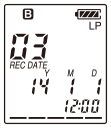
While the IC recorder is in the stop mode, you can select a folder and a file for recording, playing or editing.
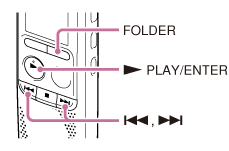
- Press FOLDER.
The folder selection window is displayed.
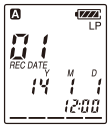
- Select a folder.
Press FOLDER repeatedly to select the desired folder.
When you purchase the IC recorder, there are 5 folders already available (


 ).
). - Select a file.
Press
 or
or  to select the desired file, and then press
  PLAY/ENTER.