Connecting to an iPhone or iPad
Shows how to connect this product to your iPhone or iPad. Display the SSID and password in advance by selecting [Send to Smartphone] or [Ctrl with Smartphone] on this product.
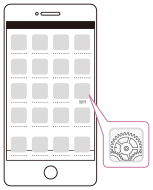
- Ανοίξτε το μενού ρυθμίσεων.
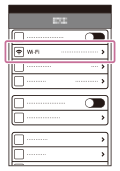
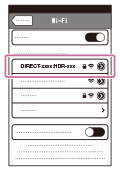
- Επιλέξτε Wi-Fi.
- Select the SSID displayed on this product.
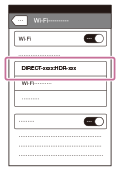
- Enter the password displayed on this product.
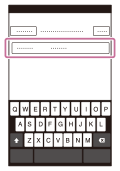
- Επιβεβαιώστε ότι το SSID που εμφανίζεται στην κάμερα είναι επιλεγμένο.
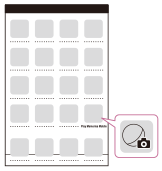
- Μεταβείτε στην Αρχική σελίδα και κάντε εκκίνηση του PlayMemories Mobile.