


Balance
To close this screen and jump to the Settings screen, select the following link.
 Jump to the Settings screen
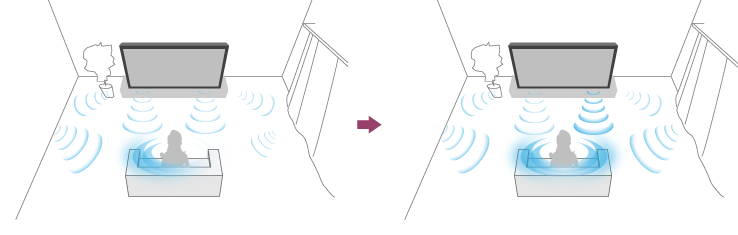
If [Speakers] is set to [TV speakers], the balance of the left and right sound can be adjusted.
Due to the distance to walls and windows and the reflection of sound, you may hear the left and right sound become unbalanced. To adjust the sound balance, press the
 (Quick Settings) button on the remote control, then select the following settings.
[Settings] — [Display & Sound] — [Picture & Sound] — [Sound (***)] — [Balance]
Note
- The effect varies depending on your model/country/region, settings, and installation environment.