


Using the TV menu
Press the TV button while watching a TV broadcast to display the [TV menu]. A channel list is displayed in [TV menu] and you can easily select programmes on other channels while watching TV.
Note
- The displayed screen and menus may vary depending on what you are watching and your model/country/region.
- Press the TV button while watching a TV broadcast.
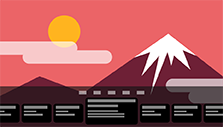
The TV menu is displayed at the bottom of the screen.
- Move the focus left or right and select the programme you want to watch.
Hint
- You can use the following features if you press
 (Up) on the remote control while [TV menu] is displayed.
-
 (Guide): Display the programme guide
 - Change the displayed channel list
-