C_PicScrn_PicMode 【AEP/eng】
| Level3 | EntryPoint | ||||||
|---|---|---|---|---|---|---|---|
| PicScrn_3aG_3a_AEP_BR_AR_CO | |||||||
| PicScrn_P2A_AEP_BR_AR_CO | |||||||
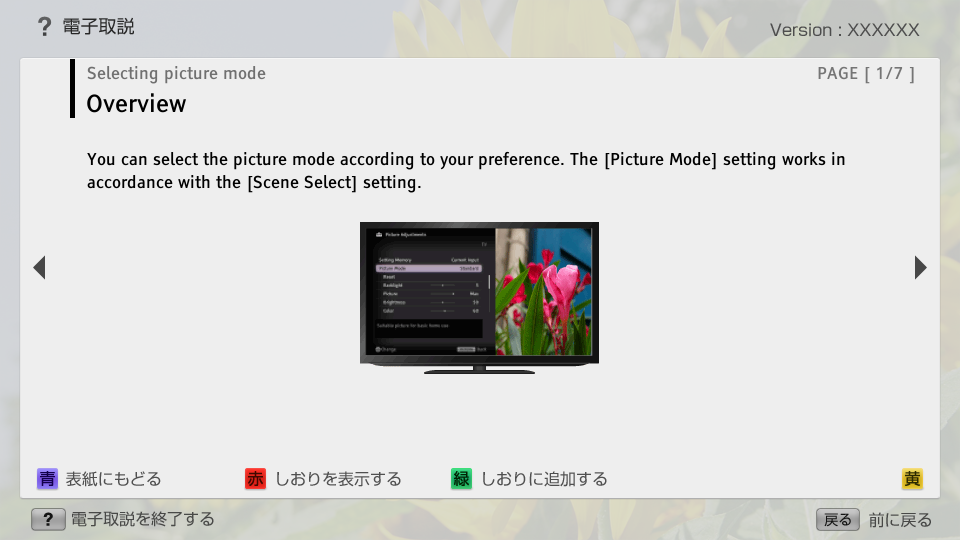
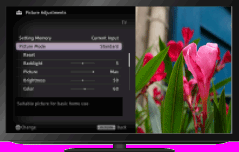
C_PicScrn_PicMode | FullScreen: Page 1
C_PicScrn_PicMode | Page 2_1
- block_id: 32189 «C_PicScrn_PicMode»
- Steps
- block_id: 37595 «C_PicScrn_PicMode»
- 1. Set [Scene Select].
- block_id: 37596 «C_PicScrn_PicMode»
- Press the
 button to jump to “Selecting a picture and sound setting suitable for the content” for details.
 - block_id: 37597 «C_PicScrn_PicMode» C_Aadjust_scene
- Jump to the page
- block_id: 32190 «C_PicScrn_PicMode»
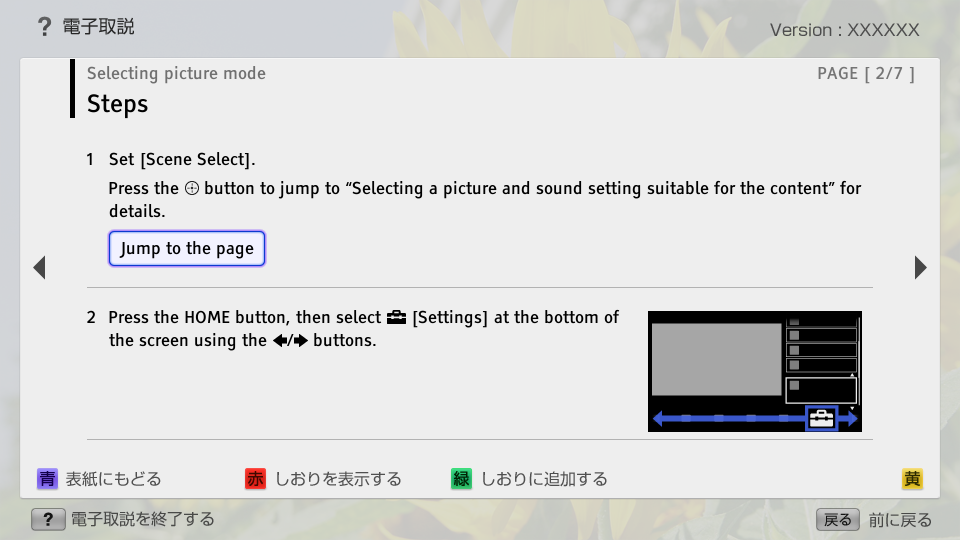
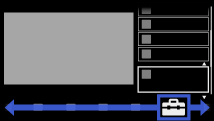
- 2. Press the HOME button, then select
 [Settings] at the bottom of the screen using the
  /
/ buttons.
 - block_id: 32191 «C_PicScrn_PicMode»
【img=i_NUX_set.full.png】
C_PicScrn_PicMode | FullScreen: Page 3
- block_id: 32192 «C_PicScrn_PicMode»
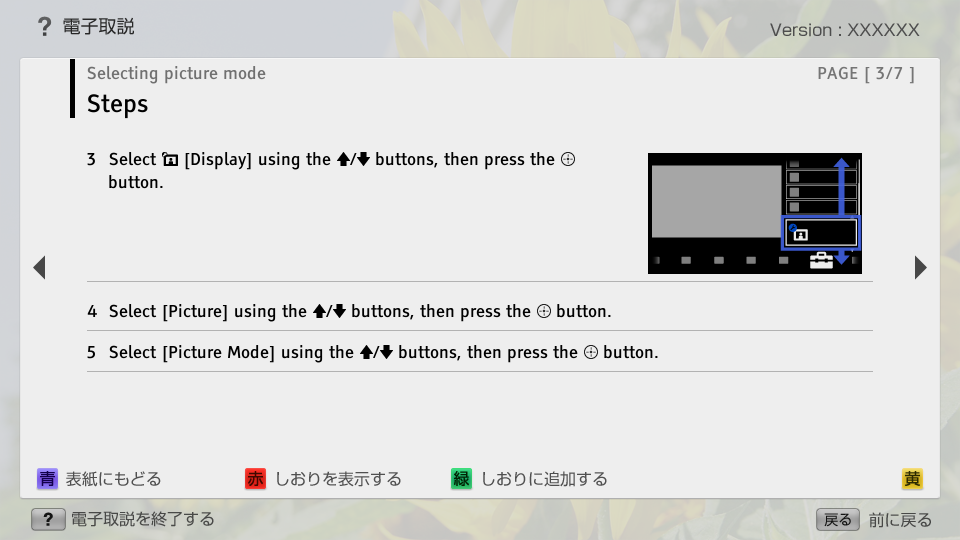
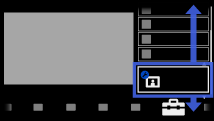
- 3. Select
 [Display] using the
  /
/ buttons, then press the button.
 - block_id: 32193 «C_PicScrn_PicMode»
【img=i_NUX_set_display.full.png】- block_id: 32194 «C_PicScrn_PicMode»
- 4. Select [Picture] using the / buttons, then press the button.
- block_id: 32195 «C_PicScrn_PicMode»
- 5. Select [Picture Mode] using the / buttons, then press the button.
C_PicScrn_PicMode | FullScreen: Page 4
- block_id: 32196 «C_PicScrn_PicMode»
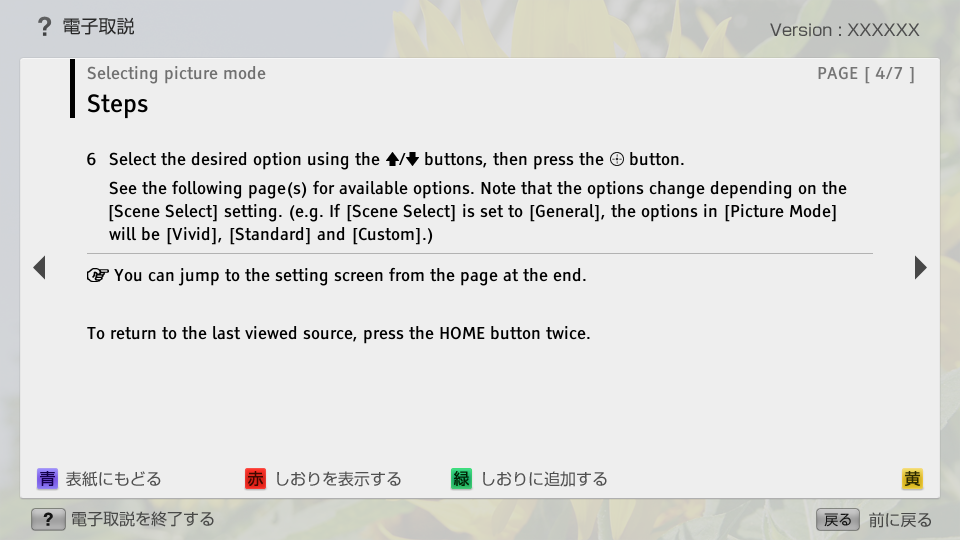
- 6. Select the desired option using the / buttons, then press the button.
- block_id: 37598 «C_PicScrn_PicMode»
- See the following page(s) for available options. Note that the options change depending on the [Scene Select] setting. (e.g. If [Scene Select] is set to [General], the options in [Picture Mode] will be [Vivid], [Standard] and [Custom].)
- block_id: 37599 «C_PicScrn_PicMode»
 You can jump to the setting screen from the page at the end.
- block_id: 32197 «C_PicScrn_PicMode»
- To return to the last viewed source, press the HOME button twice.
C_PicScrn_PicMode | FullScreen: Page 5
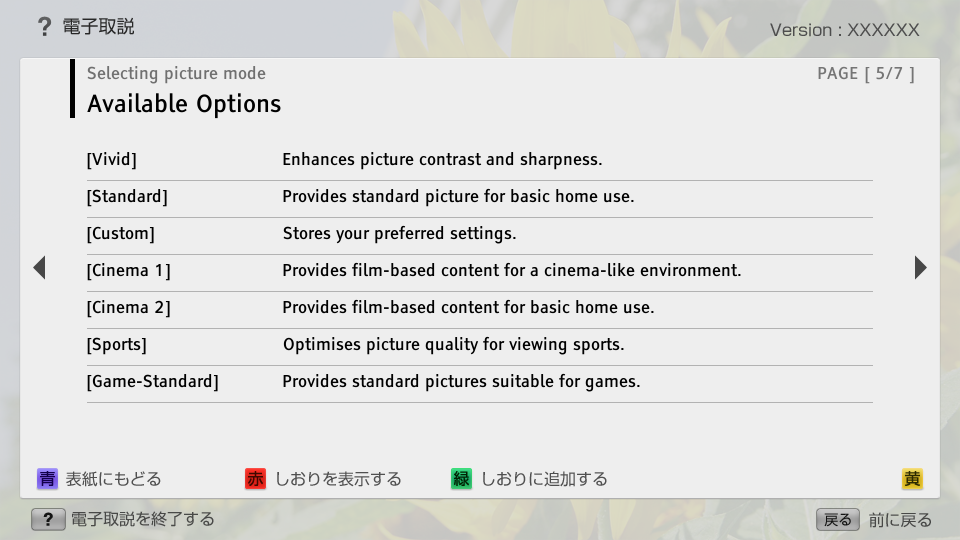
- block_id: 32198 «C_PicScrn_PicMode»
- Available Options
- block_id: 32199 «C_PicScrn_PicMode»
- [Vivid]
- block_id: 32200 «C_PicScrn_PicMode»
- Enhances picture contrast and sharpness.
- block_id: 32201 «C_PicScrn_PicMode»
- [Standard]
- block_id: 32202 «C_PicScrn_PicMode»
- Provides standard picture for basic home use.
- block_id: 32203 «C_PicScrn_PicMode»
- [Custom]
- block_id: 32204 «C_PicScrn_PicMode»
- Stores your preferred settings.
- block_id: 32205 «C_PicScrn_PicMode»
- [Cinema 1]
- block_id: 32206 «C_PicScrn_PicMode»
- Provides film-based content for a cinema-like environment.
- block_id: 32207 «C_PicScrn_PicMode»
- [Cinema 2]
- block_id: 32208 «C_PicScrn_PicMode»
- Provides film-based content for basic home use.
- block_id: 32209 «C_PicScrn_PicMode»
- [Sports]
- block_id: 32210 «C_PicScrn_PicMode»
- Optimises picture quality for viewing sports.
- block_id: 32211 «C_PicScrn_PicMode»
- [Game-Standard]
- block_id: 32212 «C_PicScrn_PicMode»
- Provides standard pictures suitable for games.
C_PicScrn_PicMode | FullScreen: Page 6
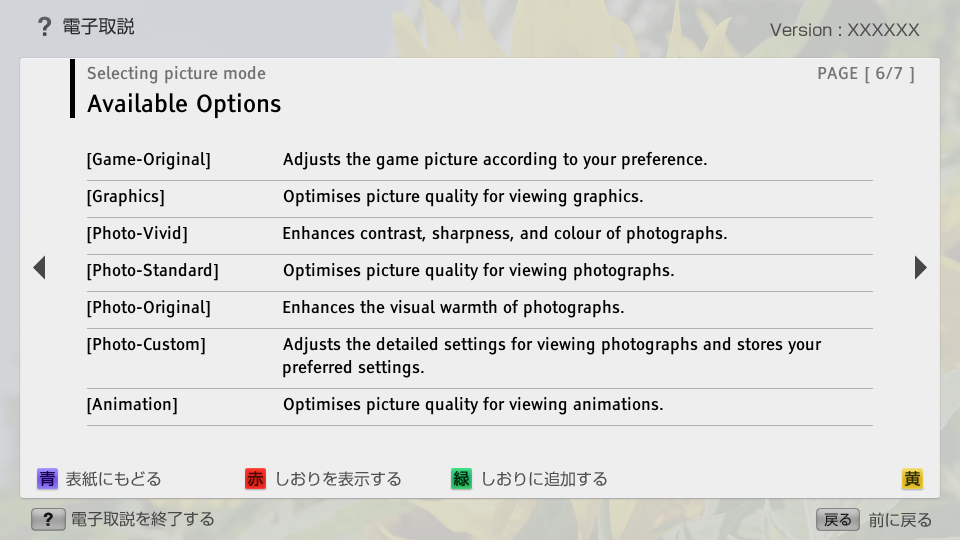
- block_id: 32213 «C_PicScrn_PicMode»
- [Game-Original]
- block_id: 32214 «C_PicScrn_PicMode»
- Adjusts the game picture according to your preference.
- block_id: 32215 «C_PicScrn_PicMode»
- [Graphics]
- block_id: 32216 «C_PicScrn_PicMode»
- Optimises picture quality for viewing graphics.
- block_id: 32217 «C_PicScrn_PicMode»
- [Photo-Vivid]
- block_id: 32218 «C_PicScrn_PicMode»
- Enhances contrast, sharpness, and colour of photographs.
- block_id: 32219 «C_PicScrn_PicMode»
- [Photo-Standard]
- block_id: 32220 «C_PicScrn_PicMode»
- Optimises picture quality for viewing photographs.
- block_id: 32221 «C_PicScrn_PicMode»
- [Photo-Original]
- block_id: 32222 «C_PicScrn_PicMode»
- Enhances the visual warmth of photographs.
- block_id: 32223 «C_PicScrn_PicMode»
- [Photo-Custom]
- block_id: 32224 «C_PicScrn_PicMode»
- Adjusts the detailed settings for viewing photographs and stores your preferred settings.
- block_id: 32225 «C_PicScrn_PicMode»
- [Animation]
- block_id: 32226 «C_PicScrn_PicMode»
- Optimises picture quality for viewing animations.