Using the Quick Settings
If you press the  (Quick Settings) button on the remote control, you can quickly access features such as [Picture mode], [Sleep timer], and [Picture Off] on the current screen, and settings such as [Speakers] depending on the connected devices. You can also display [Settings] from [Quick Settings].
Note
- The menus displayed in the TV settings vary depending on your model/region/country.
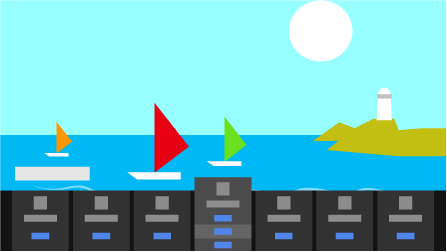
- Press the (Quick Settings) button on the remote control.
- Move the focus to change a setting or select it.