


遙控器和配件
要關閉本螢幕並跳轉至設定螢幕,請選擇以下連結。
 跳轉至設定螢幕
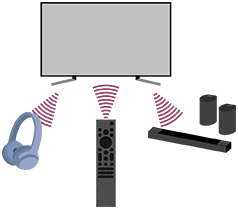
您可以配對Bluetooth裝置,包括隨機提供的語音遙控器,並啟用/禁用Bluetooth。
注意
- 電視設定中顯示的功能表因型號/地區/國家而異。
- 按遙控器上的
 (快速設定)按鈕,然後選擇[設定] — [遙控器和配件] —所需選項。
可用選項
可以啟用或停用Bluetooth,或註冊Bluetooth裝置。
[Bluetooth]
啟用或停用Bluetooth。
[配對配件]
配對Bluetooth裝置。
如需詳細資料,請參閱連接Bluetooth設備(如Bluetooth耳機)。
[遙控器]
語音遙控器的配對設定。按照螢幕上的指示操作。
提示
- 要靜音遙控器操作聲音,請參閱 語音遙控器 。