

- Getting Started
- Remote control
- Middle buttons on the remote control
Middle buttons on the remote control
The included remote control, as well as the layout of the buttons and the button names, vary depending on your model/country/region.
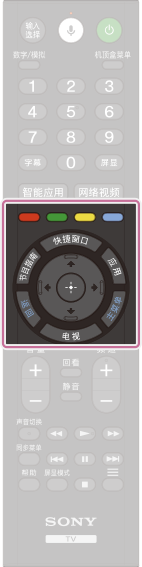 |
|
 (Up) /
  (Down) /
  (Left) /
  (Right) /
  (Enter) (Navigation D-Pad)
- Getting Started
- Remote control
- Middle buttons on the remote control