Using the Eco Dashboard
You can configure various settings to reduce power consumption, such as Power saving.
You can also check descriptions for features while setting them.
Note
- The menus displayed in the LCD Monitor/LCD Display settings vary depending on your model/region/country.
-
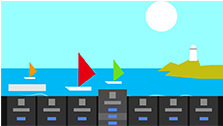
Press the OPTIONS button on the remote control, and select [Eco Dashboard].
-
In the displayed menu, move the focus left or right and select the desired setting.