


Turning on/off the speaker’s light (Lighting function)
The speaker lights up with the music to liven up the atmosphere. At the time of purchase, the lighting function is set to on.
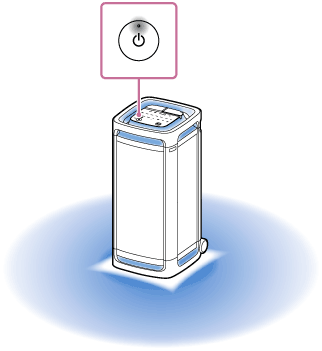
- Turn on the speaker.
You hear the notification sound from the speaker, and the
 (power) indicator on the speaker lights up in white.
The speaker lights up.
To change the lighting color of the speaker's light
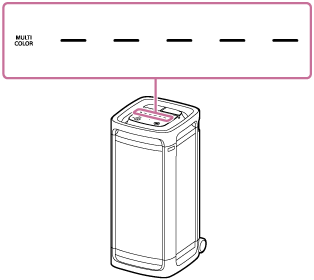
Tap one of the lighting color selectors (red/yellow/green/blue/purple) on the speaker to change the lighting color to the associated one.
Tapping MULTI COLOR on the speaker resets the lighting color selected by the lighting color selector to the default setting that makes the speaker's light illuminate in multiple colors.
To turn on (light on)/turn off (light off) the lighting function
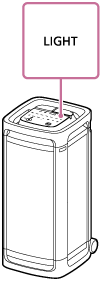
Tap LIGHT on the speaker to turn on/off the lighting function.
Hint
-
By using the “Lighting Mode” function on the “Sony | Sound Connect” app, you can turn on/off the lighting function or switch the lighting mode to suit your mood or the situation.
Note
-
When the speaker's light seems bright or glaring, turn up the room lights or turn off the lighting function.
-
Do not look directly into the light-emitting parts of the speaker.
-
When the lighting function is turned on, the STAMINA power option will automatically turn off.