


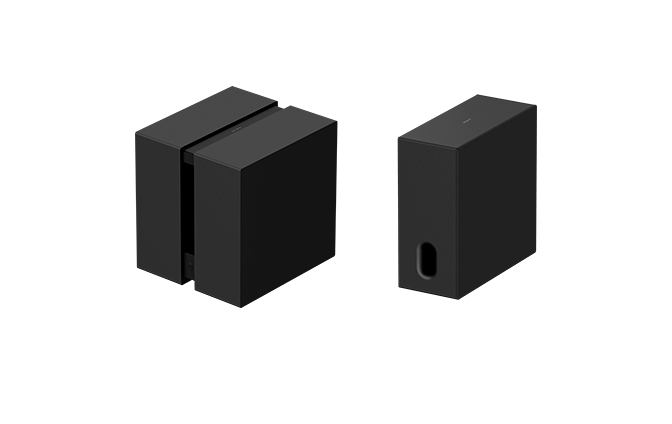
Model: YY2102C/ YY2103C
This Help Guide explains the installation and connection of BRAVIA Theatre Sub 9 and BRAVIA Theatre Sub 8. In the Help Guide, “the subwoofer” refers to either or both.
The connection procedure of this subwoofer varies depending on the connected device.
Be sure to select the link (blue text) of the device to which you want to connect from the list below, then follow the guidance displayed on the page to connect the subwoofer.
Connecting to a main audio device such as a sound bar that supports the “Sony | BRAVIA Connect” app
Connecting to one of the following main audio devices
Connecting to a BRAVIA (TV) that supports the wireless speaker connection
About devices that are compatible with the subwoofer
This subwoofer is a product that works only with specific models.
The model names of devices that are compatible with the subwoofer can be found at the following URL.
Main audio devices (sound bar/home theater system/AV receiver/AV amplifier) that are compatible with the subwoofer
https://www.sony.net/comp-home/
BRAVIA (TV) that is compatible with the subwoofer
Hint
- You can connect two of these subwoofers to a main audio device, such as a sound bar, which supports dual subwoofer. (Both subwoofers must have the same model name.)
- Check the product specifications on Sony's product information website to confirm if the main audio device supports dual subwoofer.
- The subwoofer may not connect to the main audio device until the software of the subwoofer or the main audio device is updated.
SA-SW9/ SA-SW8