


Using the BLUETOOTH standby (auto power on) function
When the BLUETOOTH standby function is activated, the speaker turns on automatically by operating a BLUETOOTH device, and starts the BLUETOOTH connection.
At the time of purchase, the BLUETOOTH standby function is deactivated.
Before operating the speaker, note the following:
-
The BLUETOOTH standby function is activated only while the speaker is connected to an AC outlet by a USB PD compatible AC adaptor. While the speaker is running only on power from the rechargeable built-in battery, the BLUETOOTH standby function is deactivated.
-
When the BLUETOOTH standby function is activated, the
 (power) indicator lights up in orange while the speaker is turned off.
 -
Pair the speaker with a BLUETOOTH device in advance. If pairing information is not stored in the speaker, such as when the speaker is used for the first time after purchase, the speaker will not enter the BLUETOOTH standby mode.
- Turn on the speaker.
You hear the notification sound from the speaker, and the
(power) indicator on the speaker lights up in white.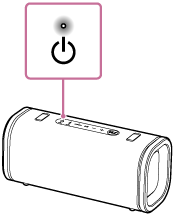
- Start the “Sony | Sound Connect” app on your smartphone.
- Enable [Bluetooth Standby].
To deactivate the BLUETOOTH standby function
In step 3 above, disable [Bluetooth Standby].