


What you can do while connected to a game console
When you connect the headset to a game console such as a computer or PS5™, you can do the following.
Adjusting the volume
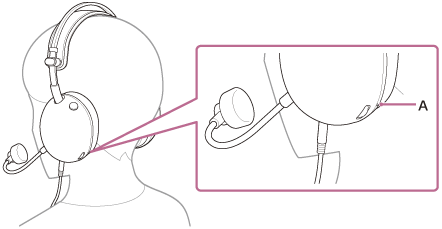
You can adjust the volume to the desired level with the volume dial.
The + side has a tactile dot (A).
-
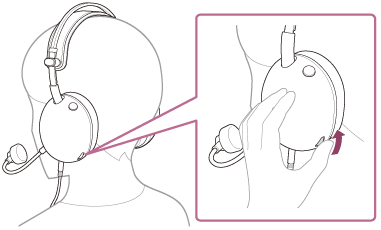
To increase the volume
Turn the volume dial to the + side.
-
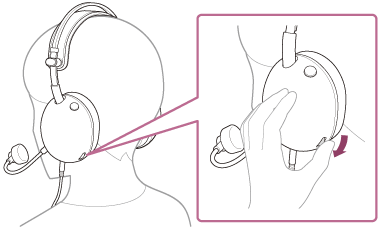
To lower the volume
Turn the volume dial to the – side.
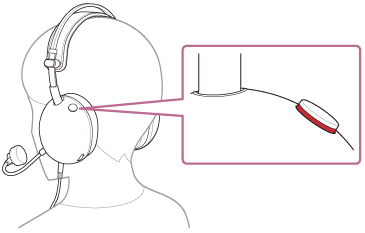
Switching the microphone on or off
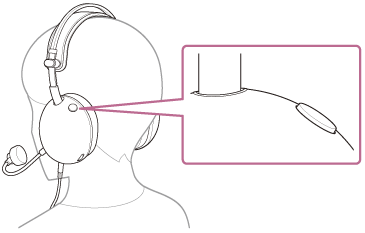
When using the microphone, press the microphone on or off button so that the button is pressed in. The microphone off state is released and the microphone can be used. The red line on the side of the button disappears.
When the microphone is not in use, press the microphone on or off button so that the button is pushed out. The microphone is turned off and the microphone cannot be used. A red line appears on the side of the button.
- Turning on the microphone
- Turning off the microphone
Note
- Be careful not to hit your eyes with the boom microphone when putting it on, taking it off or using the headset.