


Signing In to Skype for Business
Note
- Set the clock of the main unit to the correct time beforehand. Signing in may not be possible if the clock is not set to the correct time.
- Press [Start] on the Home screen of the main unit.

- Press
 .
.The [Skype for Business] window appears.
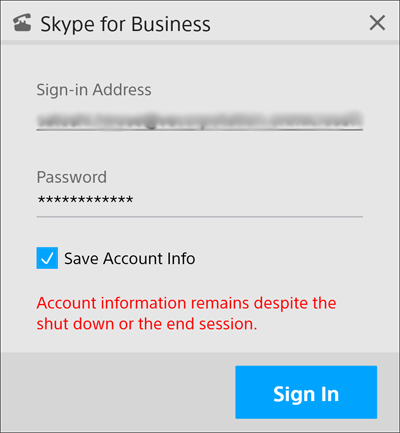
- Enter your sign-in user name and password, and press [Sign In].
Note
- Be aware of the risk of unauthorized use if you place a check mark in [Save Account Info].
- Use the sign-in account designated for the user.
To sign out
Press [Sign Out].
