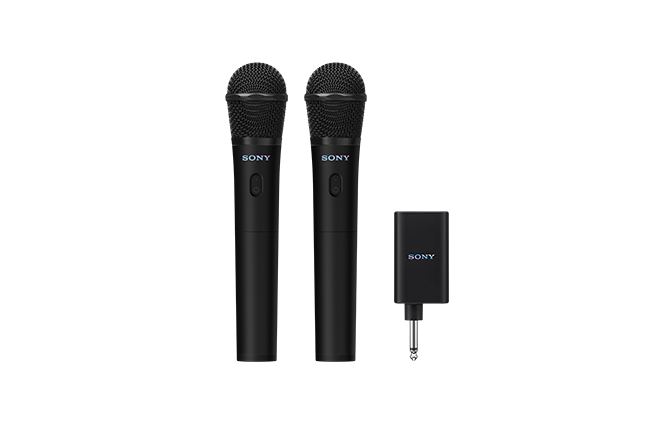
Wireless Microphone
UO-ULTMIC1
Help Guide
Table of Contents
Top
Getting started
Parts and controls
Power source/charging
Charging the microphone and receiver
Automatic Power Off (power saving) function
Using the microphone
Using the microphone with a speaker
About the Duet Assist function
Information
About the indicators
Notes on use
Precautions
To prevent burning or malfunction caused by exposure to water
In case of water exposure
Notes on charging
How to care for the microphone and receiver
Licenses
Trademarks
Troubleshooting
Troubleshooting
Pair the microphone and receiver again
There is acoustic feedback
Restart the microphone or receiver
Specifications
Specifications
Model: YY7867E
Design and specifications are subject to change without notice.
Quick Start Guide
Let’s start to use
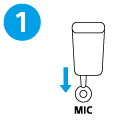
Connect the receiver to the speaker.
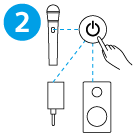
Turn on the power for the microphone, receiver, and speaker.
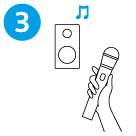
Sing or talk on the microphone.
Download PDF