


To prevent burning or malfunction due to getting wet
On waterproof performance of the keyboard
The keyboard is not water resistant. If water or foreign matter enters the keyboard, this can result in burnout or malfunction.
Avoid situations such as the following and be careful not to expose the keyboard to moisture or dirt.
- Touching the keyboard without drying wet hands after doing housework in the kitchen or washing hands in the washroom.
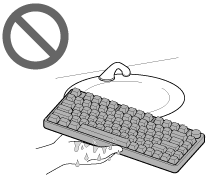
- Touching the keyboard with sweaty hands, or using the keyboard in situations where the keyboard may get soaked in sweat.
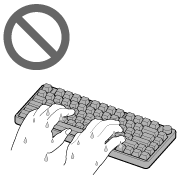
- Spilling a drink while eating or drinking.
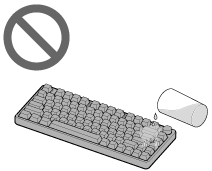
If the keyboard gets wet or water enters the keyboard
If the wet keyboard is used, this can result in burnout or malfunction.
If water is splashed on it, take the following measures.
-
Disconnect the USB Type-C cable.
-
Turn over the keyboard to remove the water inside.
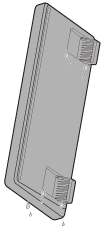
-
Put a dry cloth, etc. under the USB Type-C port until no more water comes out from the inside.
-
Wipe the entire keyboard with a cloth, etc.
-
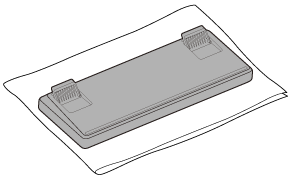
Leave the keyboard on a soft cloth, etc. in an airy, shady place until it is completely dry.
Consult Sony support contact or your nearest Sony dealer.
If the keyboard malfunctions due to spilled liquid, it will be repaired for a fee even if it is within the manufacturer’s warranty period. If you have purchased an extended warranty from a Sony store or retailer at the time of purchase, check the warranty details.