


Initializing the keyboard to restore factory settings
If the keyboard does not work properly, initialize the keyboard.
-
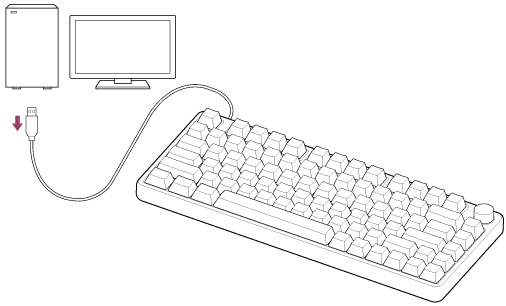
Disconnect the USB Type-C cable that is connected to the keyboard from the computer.
-
While holding down the Esc key and F4 key, connect the USB Type-C cable connected to the keyboard to a USB port on the computer.
The Esc key and F4 key should be held down for about 5 seconds.
When initializing is complete, the entire key flashes four times.
Initialize all keyboard settings to factory defaults.
If the keyboard does not operate correctly even after initializing, consult the Sony support contact or your nearest Sony dealer.