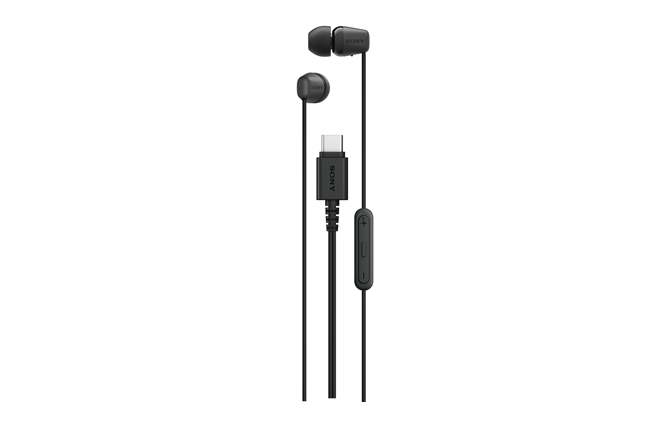
Stereo Headphones
IER-EX15C
Help Guide
Table of Contents
Top
Getting started
Supplied accessories
Included items
Replacing the earbud tips
Parts and controls
Location and function of parts
Listening to music
Connecting to a USB Type-C compatible smartphone
Wearing the headphones
Controlling the audio device
Making phone calls
Receiving a call
Functions for a phone call
Using the voice assist function
Using the voice assist function (
Google™ app
)
Using the voice assist function (Siri)
Important information
Precautions
To prevent burning or malfunction due to getting wet
Licenses
Trademarks
Troubleshooting
Troubleshooting
Specifications
Specifications
Model
:
YY3004
Let’s start to use
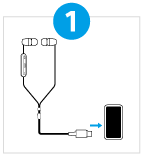
Connecting to a USB Type-C compatible smartphone
Connect the headphones to the USB Type-C compatible smartphone properly as shown.
Download PDF