


Assigning a Transfer Preset to a Transmitter
-
Select [File Transfer] in the global header of the connection manager to display the File Transfer screen.
-
Click the [Assign Transfer Preset] button.
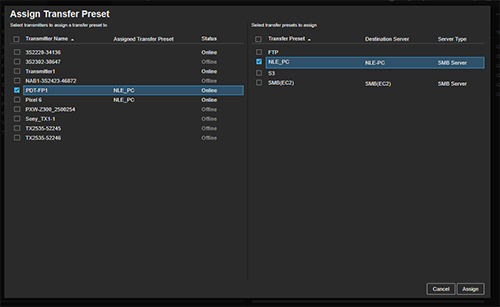
The [Assign Transfer Preset] dialog appears.
-
Select a transmitter and a transfer preset, and click the [Assign] button.
TP1002494885