


Installing the “Spatial Audio Video Tool” app
Install “Spatial Audio Video Tool”, an application for recording, playing back, or editing, to your smartphone.
-
Download and install the “Spatial Audio Video Tool” app on Google Play or the App Store to your device.

-
Connect the microphone to the smartphone.
See “Connecting the microphone”.
-
Launch the “Spatial Audio Video Tool” app.
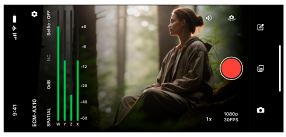
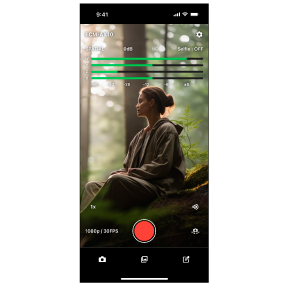
Follow the on-screen instructions and make sure the recording screen appears.
TP1002508802