


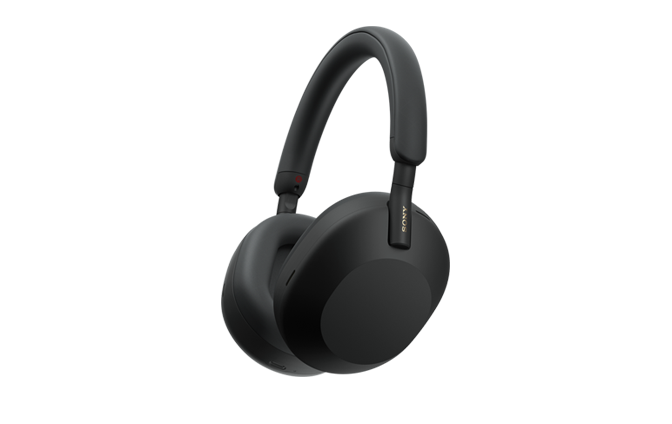
Model: YY2954
Some models are not available depending on the country or region where you purchased the headset.
Quick Start Guide
Download the app, and set up the headset

To use all functions and improved performances, update the software of the headset and “Sony | Headphones Connect” app to the latest version. For details, refer to the following:
https://www.sony.net/elesupport/
From October 2024, the “Sony | Headphones Connect” app was launched as the “Sony | Sound Connect” app with a new name and new screen.
Let’s start to use
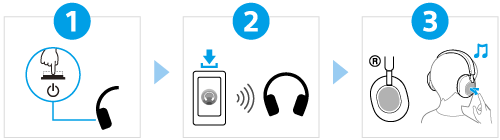
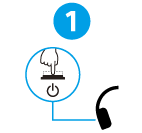
 (power) button for about 2 seconds until the indicator (blue) flashes. The headset enters pairing mode automatically when you turn on the headset for the first time after purchase.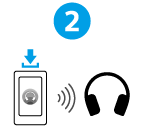
 To prevent burning or malfunction due to getting wet
The headset is not waterproof.
If the headset is charged while it is wet with rain or sweat, etc., this can result in burnout or malfunction.
Note
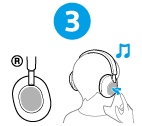
- If you put on the headset without adjusting the slider, the headset may not be positioned properly on your head, resulting in discomfort or a weak noise canceling effect. The wearing detection function of the headset may also not work properly and cause music playback to stop automatically or activate the automatic power off function (the battery saving function) to automatically turn off the headset.
